Overview
For most buyers, the U7 Pro is where UniFi's Wi‑Fi 7 range starts making practical rather than purely enthusiast sense.
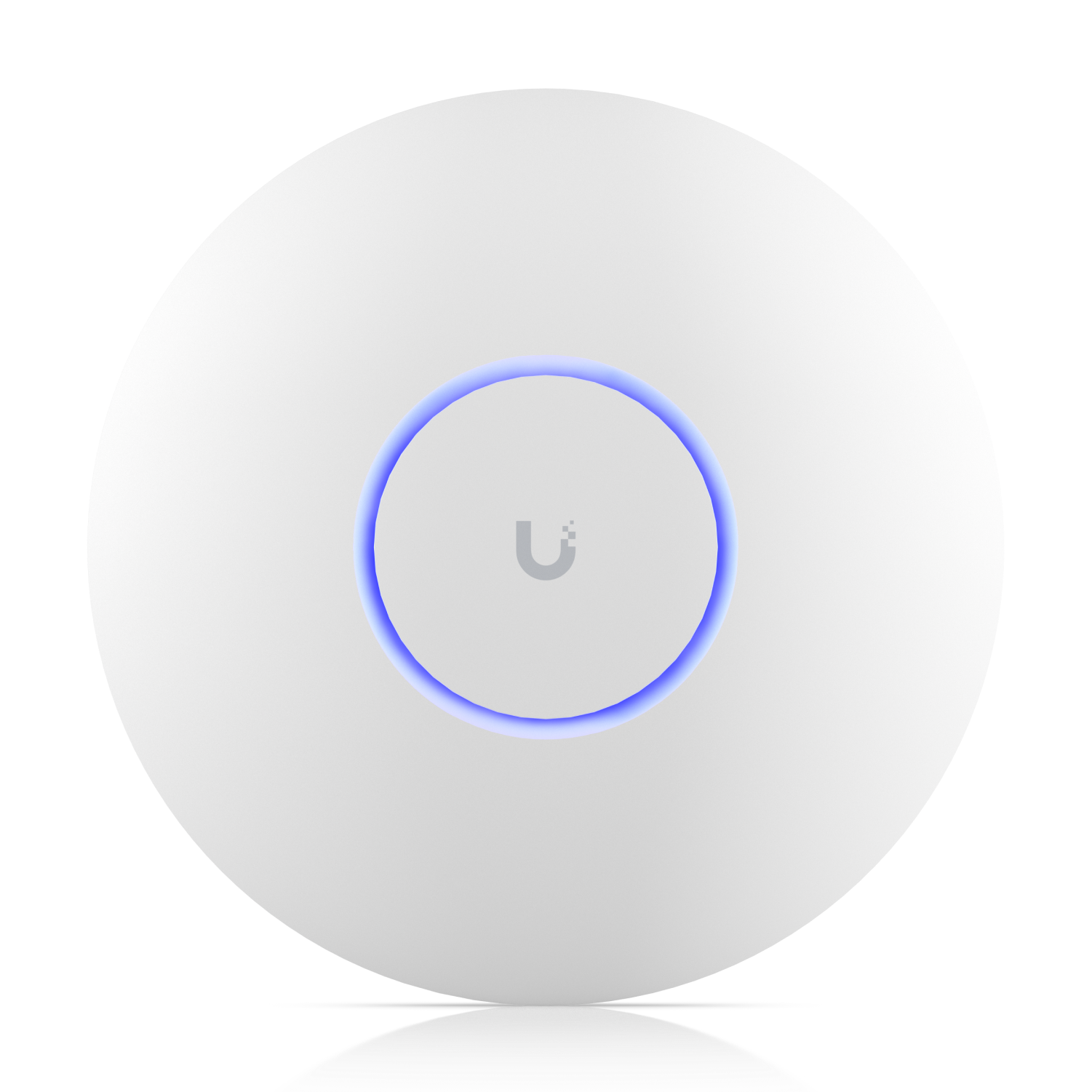
For most buyers, the U7 Pro is where UniFi's Wi‑Fi 7 range starts making practical rather than purely enthusiast sense.
Affiliate disclosure: Product links are affiliate links. If you buy through them, I may earn a commission at no extra cost to you.
For most buyers, the U7 Pro is where UniFi's Wi‑Fi 7 range starts making practical rather than purely enthusiast sense.
I recommend the Ubiquiti U7 Pro for its strong balance of price and performance, 6 ghz support plus 2.5gbe uplink. It sits in the sweet spot of the Wi-Fi 7 ceiling line. You give up the U7 Pro Max's spectral scanning and extra stream count, but you still keep 6 GHz support and a 2.5GbE uplink, which makes it feel …
This is one of the easiest UniFi APs to justify right now. It gives you most of what people actually want from Wi-Fi 7 without running all the way up to U7 Pro Max pricing.
In practical use, U7 Pro lives or dies by 6 spatial streams, tri-band WiFi 7 with 6 GHz, 2.5 GbE uplink, 140 m² coverage, 300+ clients. That makes it a particularly good fit for most small business ceilings, demanding homes, straightforward Wi-Fi 7 refreshes. In a well-designed UniFi environment, it should feel stable and predictable rather than flashy, which is usually what you want from an AP.
The mount and adoption process are easy, and PoE+ keeps the power side simple. Just plan channel width and 6 GHz use carefully so you are getting a real benefit over the U6 generation rather than simply installing a newer badge.
This is one of the easiest UniFi APs to justify right now. It gives you most of what people actually want from Wi-Fi 7 without running all the way up to U7 Pro Max pricing.
Watch setup walkthroughs, product context, and companion guidance.

Basic configuration of the UDM Pro. Set up VLANs, wifi networks, and basic security in only 10 minutes.
9:24 1.2K views

Explore the benefits of using the Ubiquiti Unifi Platform in your smart home network and take a look at the initial setup of a Dream Machine Pro.
20:28 2.2K views

A practical breakdown of whether the Dream Machine Pro makes sense as the core of a serious smart home network, including VLAN strategy and camera isolation.
18:42 857 views
Read deeper background, planning notes, and longer-form recommendations.

VLANs, wireless networks, and guest isolation on the UDM Pro — the practical configuration guide for a smart home-ready network.
Ethernet, Wi-Fi, Zigbee, Z-Wave, Thread, MoCA, Bluetooth — every connectivity option for smart home devices explained, with practical recommendations for each.
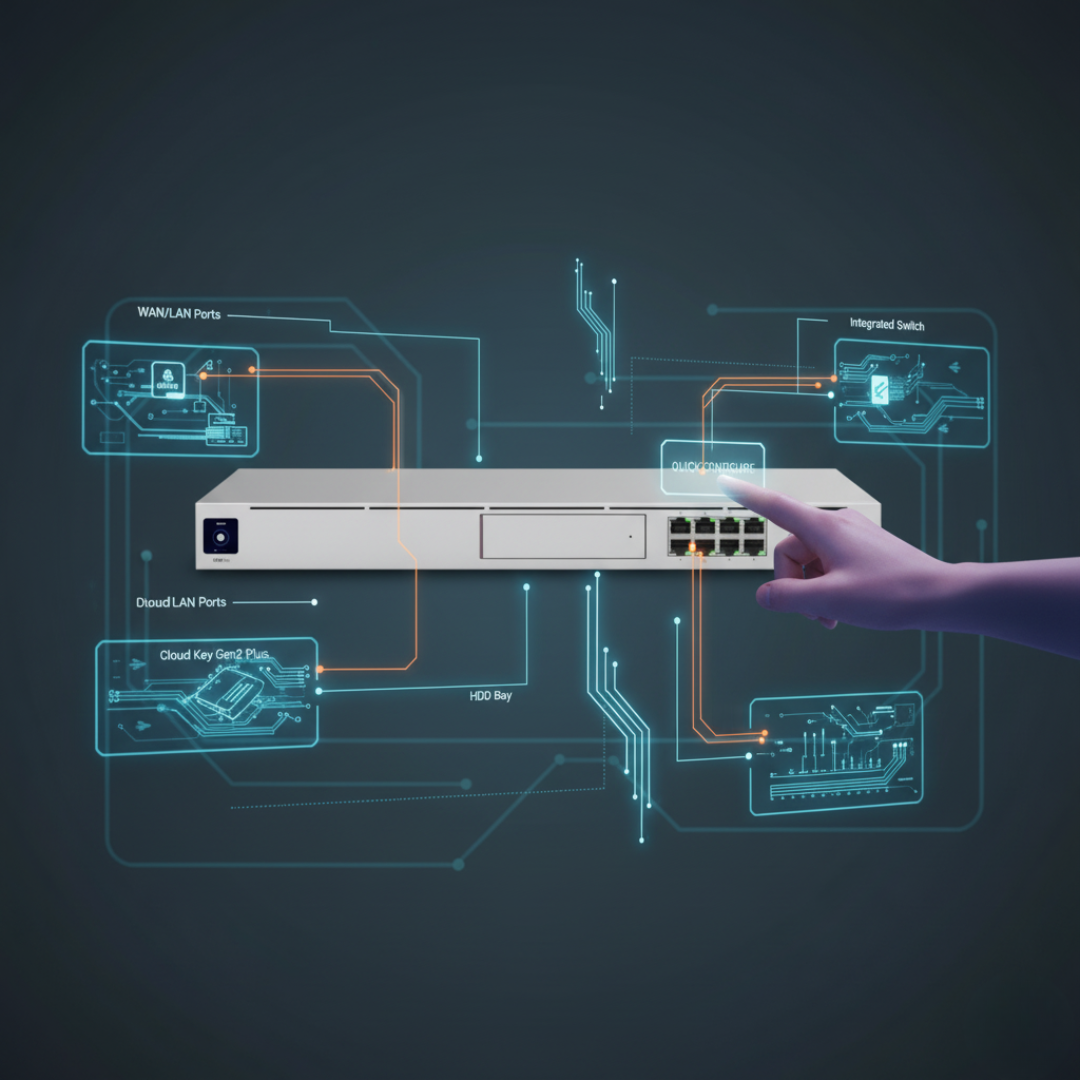
First-time setup of the Ubiquiti Dream Machine Pro — from unboxing to a connected, monitored network with the full Ubiquiti control plane.