This article covers the same ground as the video below, in a format you can reference when planning your network layout. Watch or read — either way, understanding these fundamentals will save you a lot of troubleshooting later.
Why networking is the foundation
Most homes have a modem from their ISP and maybe a Wi-Fi router, which works fine for a handful of devices browsing the internet. The moment you scale up to a smart home — cameras, sensors, hubs, access points, and dozens of connected devices — that basic setup starts breaking down. A single Wi-Fi source saturates. A few Ethernet ports aren't enough. High-bandwidth consumers like cameras drag down everything else on the same network.
The network you design now determines how every device performs for years. This is the right time to think it through.
Wired connectivity
Ethernet is the gold standard for speed and reliability. Standard cable categories:
- Cat 5e — supports up to 1 Gbps at 100 meters. Adequate for most devices.
- Cat 6 — supports 1 Gbps at 100m or 10 Gbps at shorter distances. Recommended for new installs.
- Cat 6A — supports 10 Gbps at the full 100 meters. Worth using for backbone runs between switches.
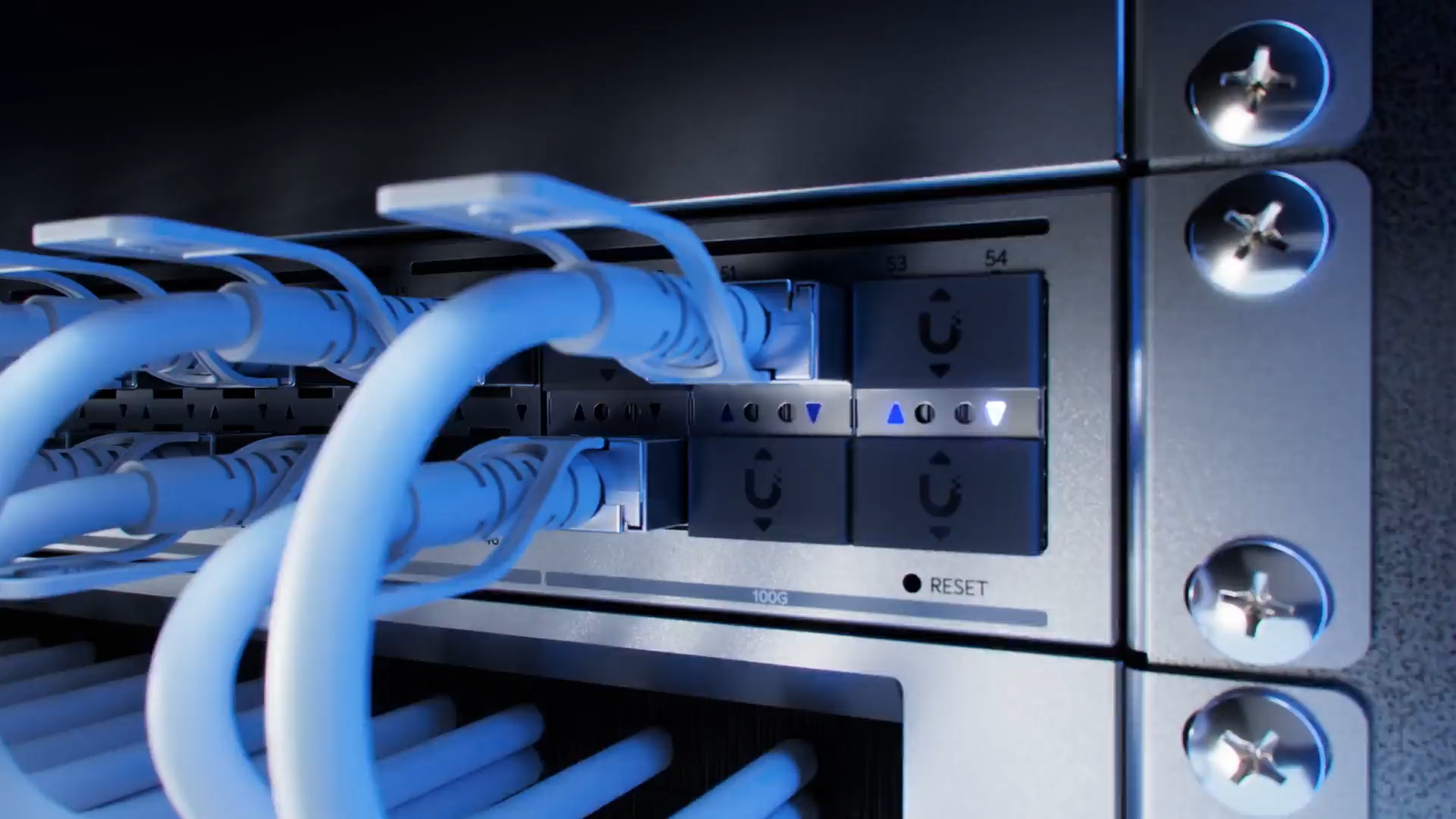
One significant advantage of Ethernet: PoE (Power over Ethernet). A PoE-capable switch can deliver power and data over a single cable to devices like cameras, access points, and VoIP phones — eliminating the need to run separate power wherever the device lives.
MoCA (Multimedia over Coax) uses coaxial cable — the kind used for cable and satellite TV — to transmit network data. Many older homes are pre-wired with coax but not Ethernet, making MoCA a useful bridge. It supports speeds up to about 2.5 Gbps. Caveats: coax splitters reduce signal strength, and the speed ceiling can become a bottleneck. Use it where Ethernet isn't possible, not as a preference.
Powerline networking sends data over your existing electrical wiring. It sounds convenient — every home has outlets — but in practice it underperforms. Speed and latency depend heavily on the electrical circuits involved, and interference from power strips, surge protectors, and other devices on the same circuit degrades signal unpredictably. Troubleshooting is frustrating. Reserve this for situations where no other method is available.
Wireless connectivity
Wi-Fi is the most familiar wireless option and the one most smart home devices use. Key considerations:
- 2.4 GHz — longer range, better wall penetration, more interference from neighboring networks and appliances. Most IoT devices operate on this band.
- 5 GHz — higher bandwidth, less interference, shorter range. Better for high-bandwidth devices like cameras when they're close to an access point.
- 6 GHz (Wi-Fi 6E/7) — least interference, highest performance, shortest range. Ideal for high-demand devices where signal strength allows.
A single Wi-Fi router covering an entire home is rarely enough. Multiple access points placed strategically — hardwired back to a central switch — provide better, more consistent coverage than consumer mesh systems, which often sacrifice throughput for convenience.
Bluetooth operates on 2.4 GHz with a practical range of 1–100 meters. It uses far less power than Wi-Fi, making it ideal for battery-powered devices. The trade-offs are limited bandwidth and noticeable latency — commands are slightly slower to respond, and audio sync can drift on streaming devices. Good for battery sensors and peripherals, not for anything requiring low-latency or high-bandwidth communication.
Smart home-specific protocols
Zigbee is a mesh protocol used by a large number of smart home device manufacturers. Zigbee devices communicate directly with each other rather than routing all traffic through a central point, which reduces latency and adds redundancy. If one path in the mesh fails, devices find another route. Range is roughly 100 meters indoors (more in open air). A Zigbee coordinator or hub is required to manage the network. Note: older Zigbee devices had inconsistent interoperability — this has improved significantly, but verify compatibility before mixing older hardware.
Z-Wave is similar to Zigbee in using mesh networking and requiring a hub, but operates on a lower frequency (around 900 MHz vs 2.4 GHz), making it less prone to interference from Wi-Fi. Z-Wave certification is controlled by a single organization, meaning certified devices are guaranteed to work together regardless of manufacturer. The ecosystem is smaller than Zigbee but more consistent.
Thread is the newest entrant. It's a low-power, low-latency, IP-based protocol designed specifically for IoT devices. Unlike Zigbee and Z-Wave, Thread doesn't require a dedicated hub or bridge — any Thread device can communicate with any other Thread device directly. Because it's IP-based, it can talk to computers, phones, and other networked devices natively. Thread works alongside Matter, which is an application-level standard that enables device interoperability across platforms. Thread adoption is growing rapidly — expect it to become the dominant IoT protocol within a few years.
Practical recommendations
Wire everything you can. Ethernet offers the best combination of speed, reliability, and security. Cameras especially need wired connections — they generate continuous high-bandwidth streams that overload shared Wi-Fi. A PoE switch makes this practical by powering devices over the same cable that carries data.
Avoid MoCA and powerline networking unless there's no alternative. They introduce complexity and performance ceilings that aren't worth it when proper cabling is an option.
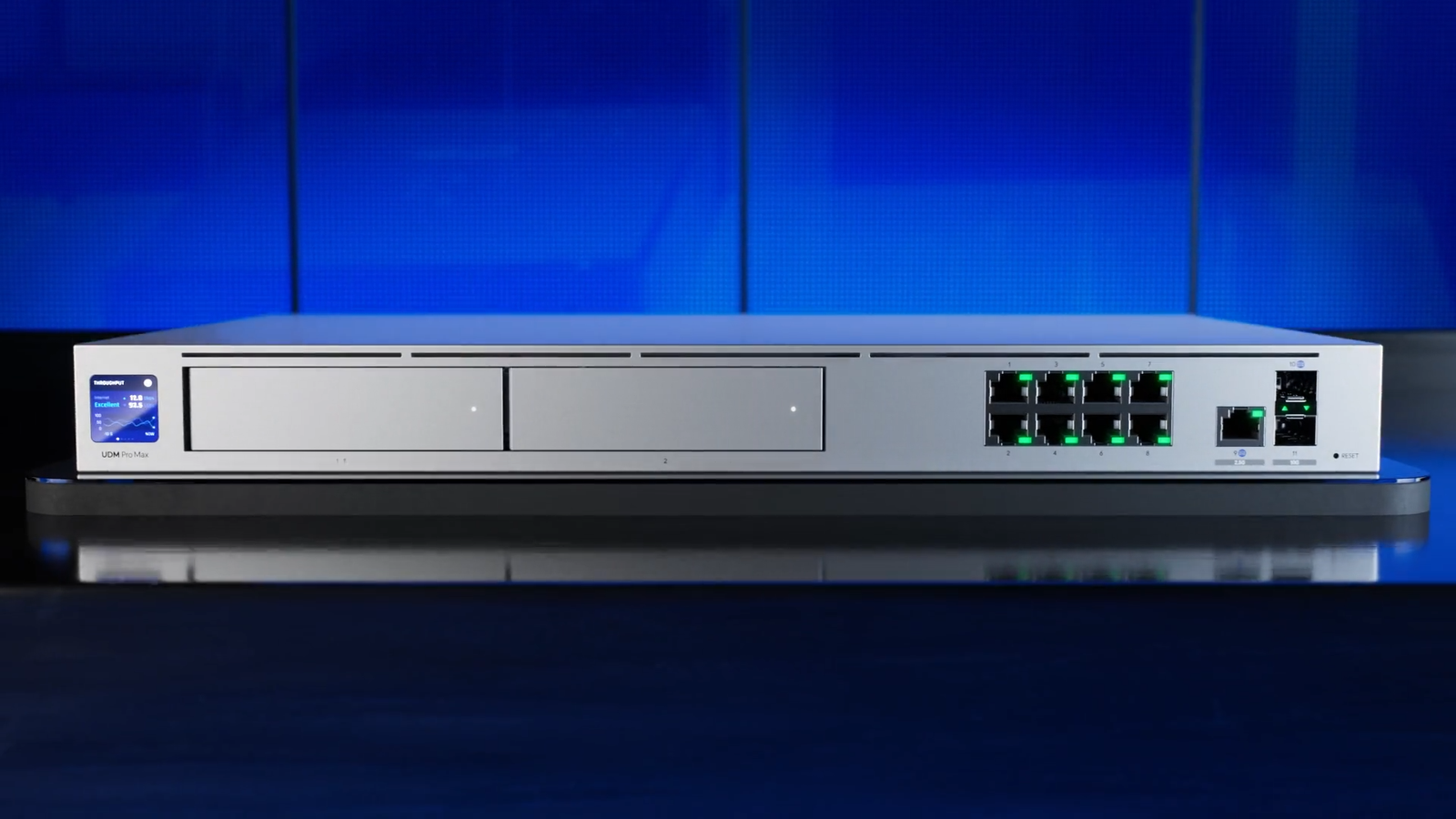
For Wi-Fi, deploy multiple hardwired access points rather than relying on a single router or a consumer mesh system. Ubiquiti makes professional-grade access points and switches at prosumer prices that outperform consumer hardware significantly. For Zigbee, Z-Wave, and Thread, USB dongles with the appropriate radio plug into your smart home controller and handle those networks without additional hardware. Home Assistant supports all three through integrations.