Overview
PoE Smart Chime is the version I prefer whenever a site already has structured cabling or a UniFi switch nearby.
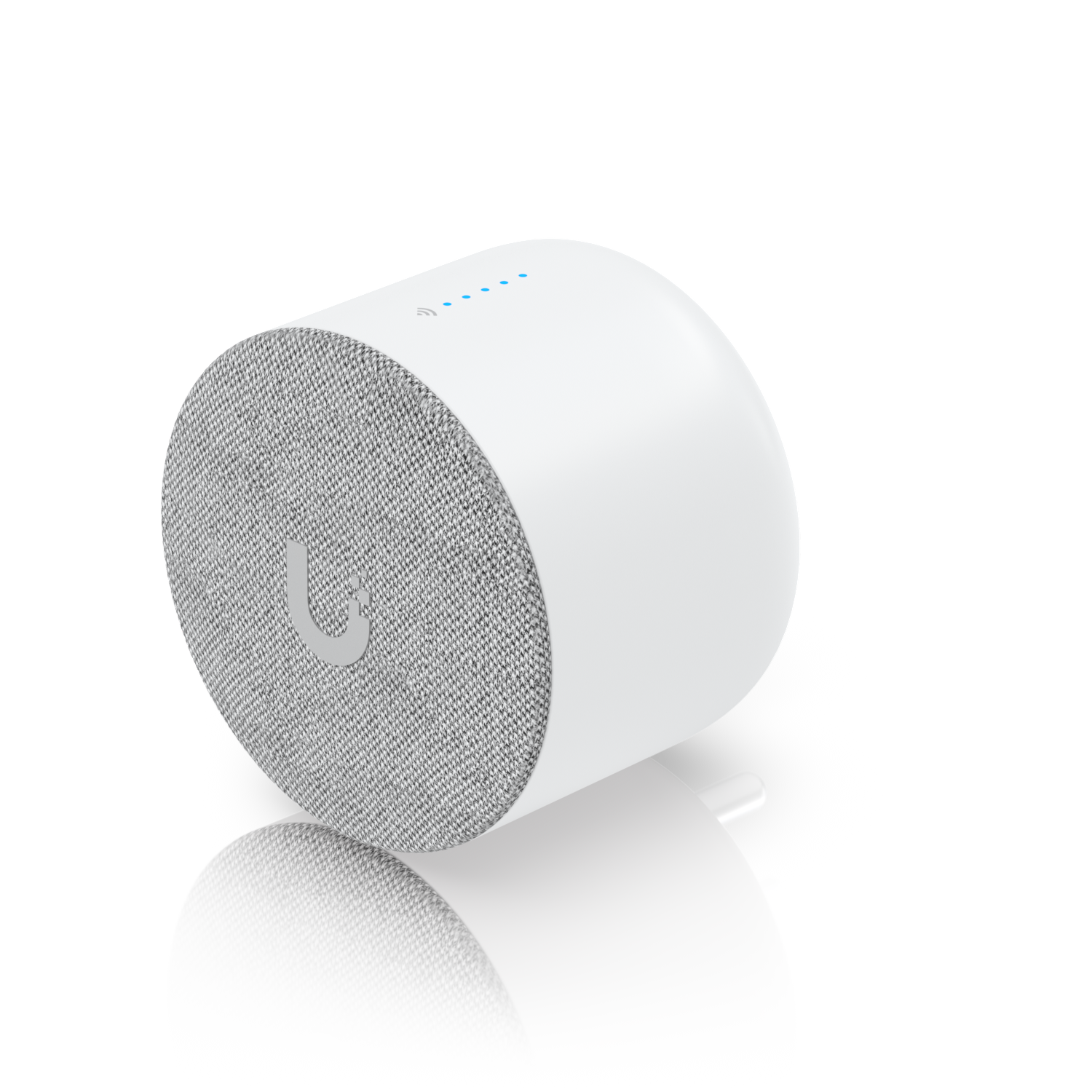
PoE Smart Chime is the version I prefer whenever a site already has structured cabling or a UniFi switch nearby.
Affiliate disclosure: Product links are affiliate links. If you buy through them, I may earn a commission at no extra cost to you.
PoE Smart Chime is the version I prefer whenever a site already has structured cabling or a UniFi switch nearby.
I recommend the Ubiquiti PoE Smart Chime for its more reliable than a wi-fi chime, works in both doorbell and access environments. It does the same basic job as the WiFi Smart Chime, but in a way that feels much more at home in a professionally installed UniFi environment. The fact that it can pair with either a UniFi doorbell or…
At about $79, it is a sensible upgrade over the WiFi Smart Chime if the infrastructure is already there. For a single-family home with no Ethernet nearby, the cheaper WiFi version remains the smarter spend.
Because it rides on Ethernet and PoE, the reliability story is stronger than the WiFi model. There is less guesswork around placement, fewer wireless edge cases, and a cleaner day-two experience if the site grows. For businesses or larger homes, that extra stability is usually worth it.
This is still a simple product, but the install path is more deliberate. You need cable, a PoE source, and a mounting plan. The upside is a tidier result and more freedom to put the chime where it sounds best instead of where an outlet happens to be.
At about $79, it is a sensible upgrade over the WiFi Smart Chime if the infrastructure is already there. For a single-family home with no Ethernet nearby, the cheaper WiFi version remains the smarter spend.
Watch setup walkthroughs, product context, and companion guidance.
Part 6 of Designing the Ultimate Smart Home series. Discussion of cameras, sensors, and other security measures to protect your smart home.
5:38 448 views

Basic configuration of the UDM Pro. Set up VLANs, wifi networks, and basic security in only 10 minutes.
9:24 1.2K views

Explore the benefits of using the Ubiquiti Unifi Platform in your smart home network and take a look at the initial setup of a Dream Machine Pro.
20:28 2.2K views
Read deeper background, planning notes, and longer-form recommendations.
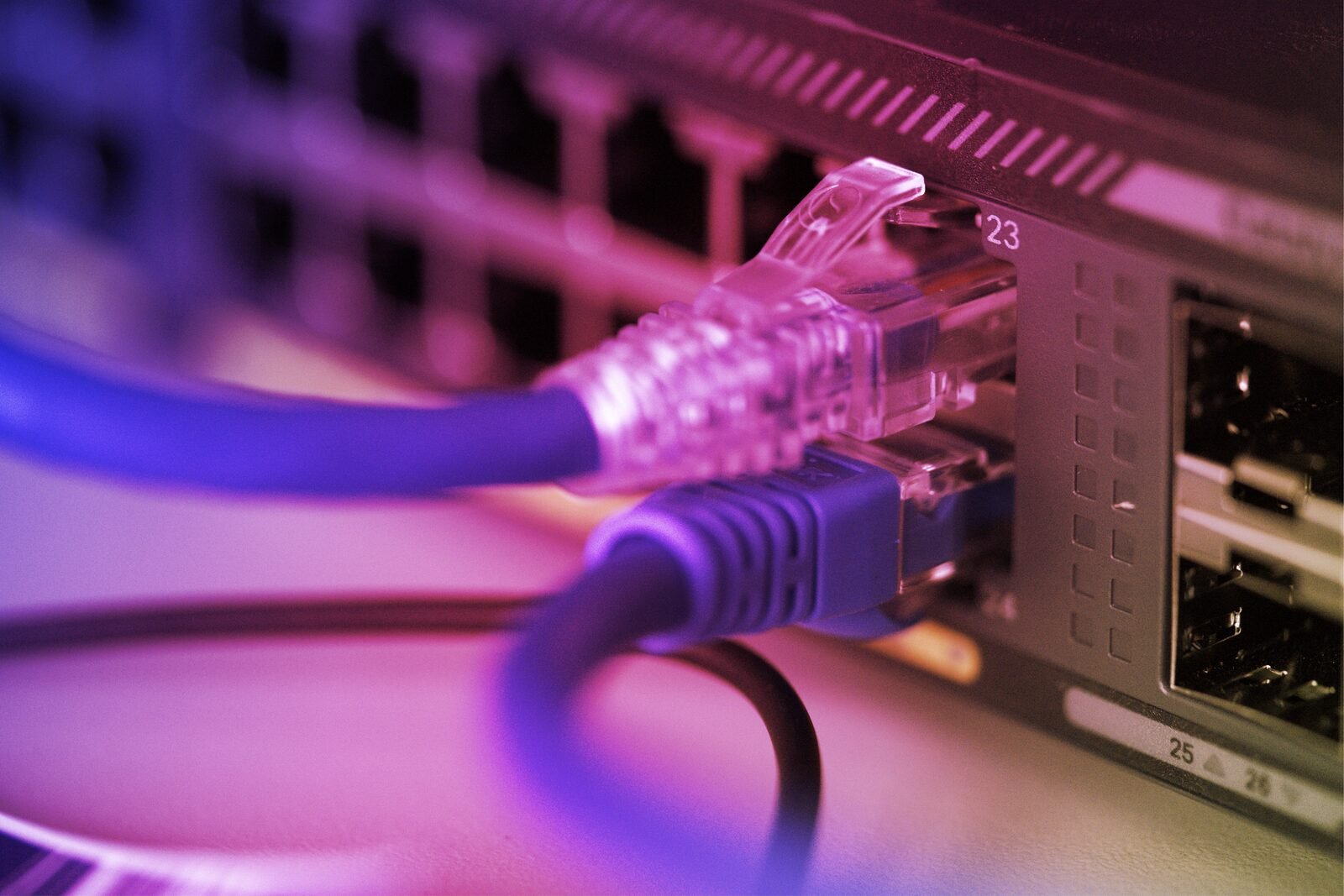
Full 42U rack design with patch panels, dual 48-port PoE switches, NVR, NAS, AI key, three hardwired access points, and Zigbee and Z-Wave dongles.
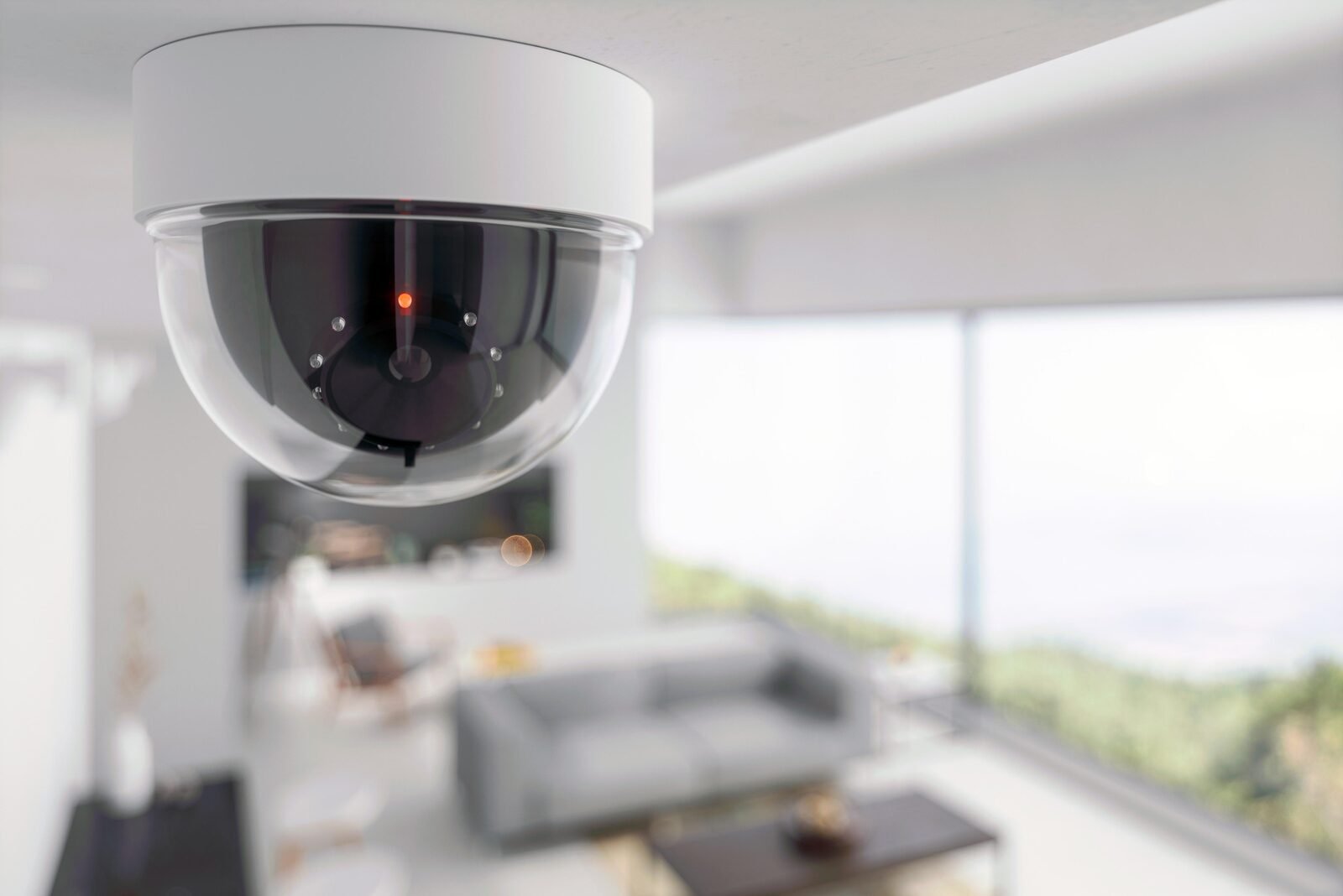
Access control at every entry point, multi-angle 4K camera coverage, AI detection, contact sensors on windows, and presence detection in every room.
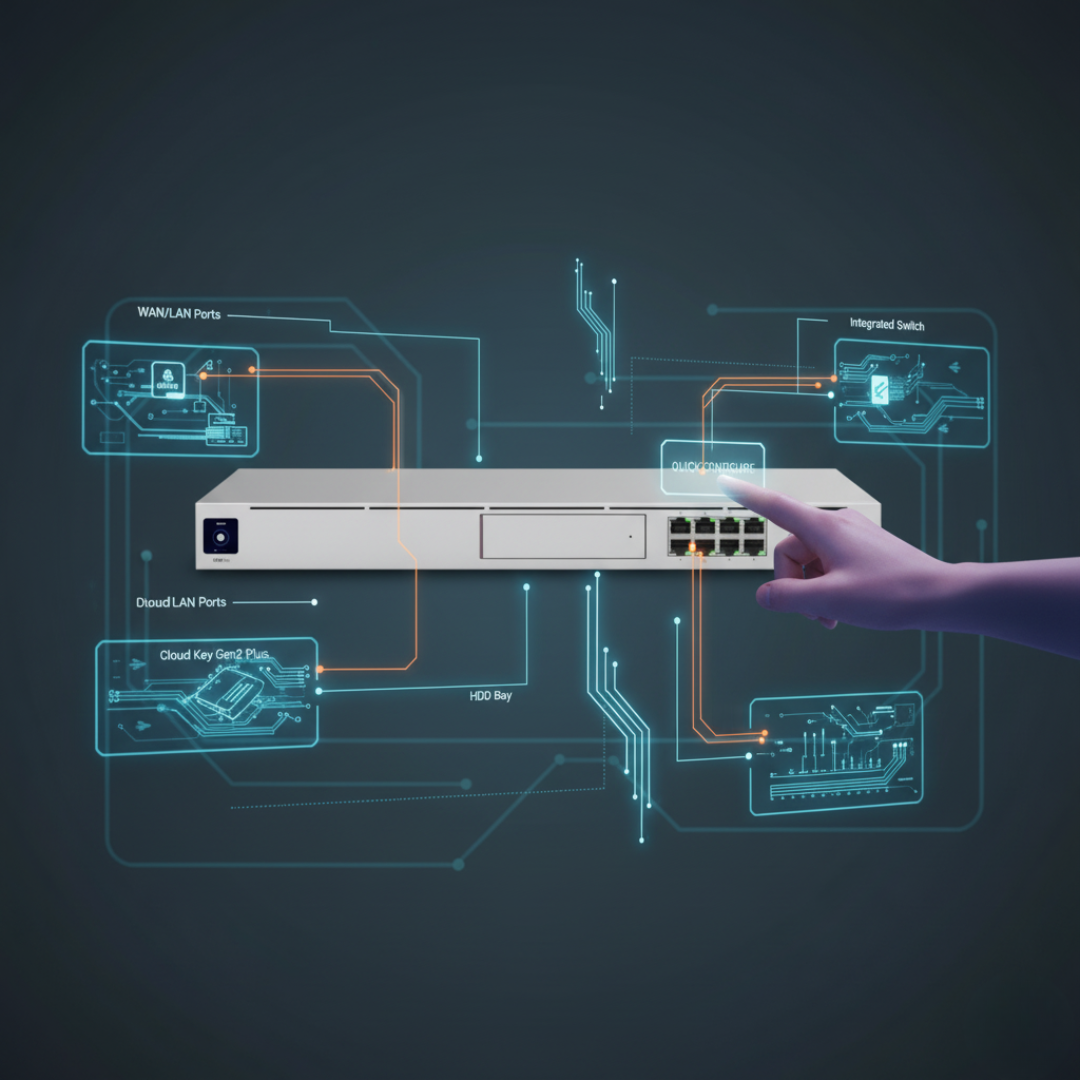
First-time setup of the Ubiquiti Dream Machine Pro — from unboxing to a connected, monitored network with the full Ubiquiti control plane.