This article covers the same ground as the video below — access control at every entry point, exterior and interior camera placement, video storage, and supplemental sensors. This is Part 6 of an 8-part series.
Layered security
Home security has two distinct functions: controlling physical access, and monitoring breaches in that access. Both are necessary, and neither replaces the other. A camera that records an intruder after they're inside doesn't prevent the break-in. A lock that records an intrusion but can't alert you in time doesn't help either. The goal is a system where physical control, camera coverage, and sensor detection work together — each layer reinforcing the others.
Front door
The primary entry gets the most comprehensive setup. A Ubiquiti G4 Doorbell Pro provides integrated camera coverage with two-way talk and doorbell function — visitor notification from anywhere, and the ability to respond without being home. It supports a wide range of access methods: the UniFi Protect app, smart home dashboard, voice commands, fingerprint, RFID, passcode, and Tapkey (which uses a phone or smartwatch for proximity unlock).
The actual lock is an Alfred ML2 smart lock. What distinguishes it from typical battery-powered smart locks is the power system: a rechargeable lithium battery that supports hardwired or wireless charging, keeping it continuously topped up without battery swap maintenance. It includes a door position sensor (for automation triggers), a traditional key cylinder as a backup, and integrates with the G4 Doorbell through Home Assistant for a unified access experience.
Back door and garage
The back door mirrors the front setup minus the doorbell — no visitor traffic is expected there, but the same access control and camera coverage applies. The garage uses a Chamberlain side-mount opener. Chamberlain's myQ platform doesn't integrate natively with Home Assistant, but the ratgdo (Rage Against the Garage Door Opener) controller — a small Wi-Fi board that connects via dry contacts and reports door state — provides a clean workaround. This enables automations to monitor and control the garage door through Home Assistant.
Outside the garage, a Ubiquiti G3 reader provides Tapkey or RFID access to trigger the door without requiring a car remote — useful for arriving on foot or allowing access to specific individuals without giving out a code.
Window security
Aqara P2 contact sensors cover all windows, generating alerts when a window opens unexpectedly. For glass break detection — which contact sensors can't detect — the AI audio detection on the security cameras picks up the characteristic sound pattern of breaking glass. The camera microphones are always listening for events in the alarm manager's audio detection library, which includes glass breaking, animals, smoke alarms, and voices.
Exterior camera coverage
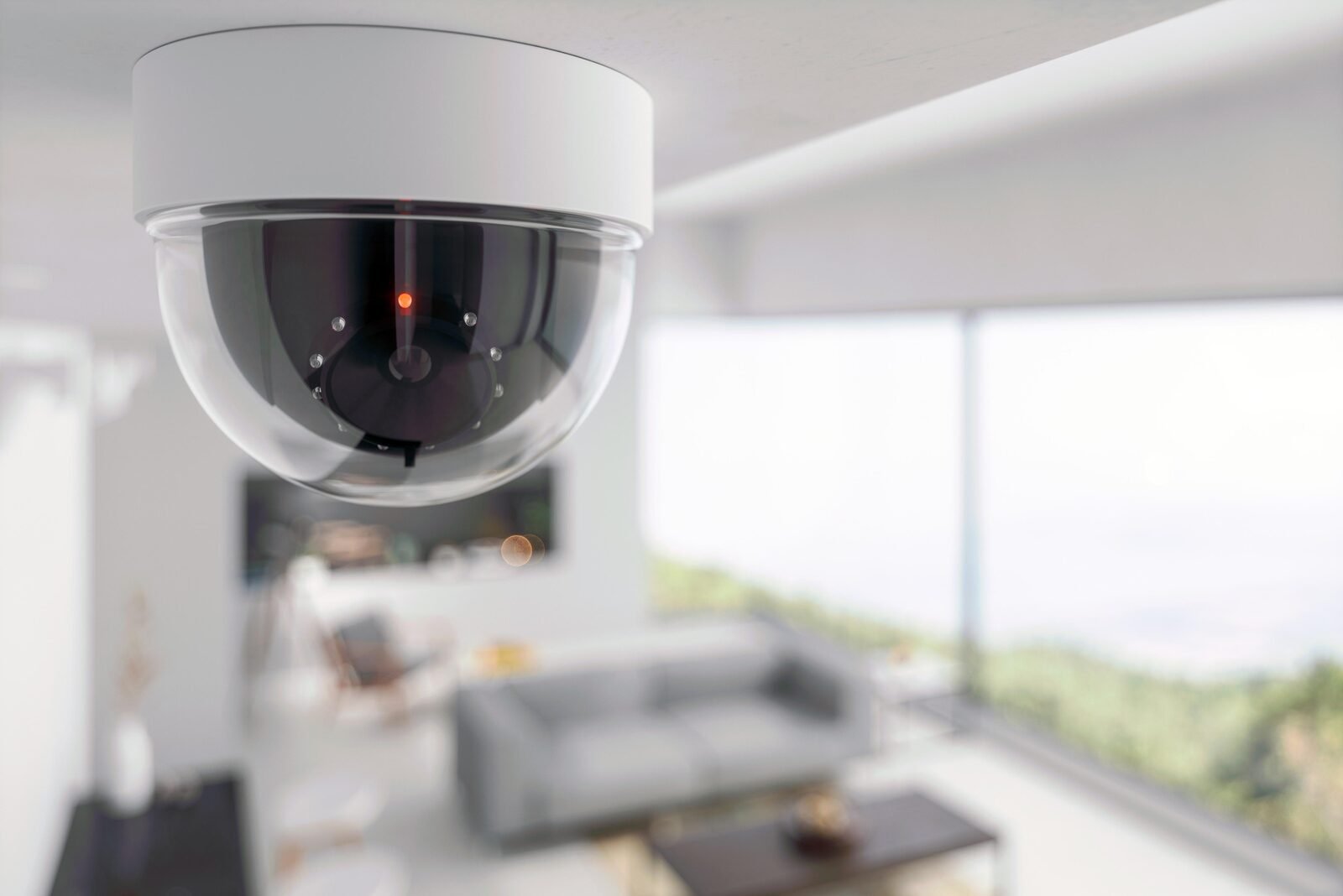
Outside, the goal is no blind spots. Ubiquiti G6 dome cameras at the corners of the house cover two directions each. Additional domes on the front and back walls fill the mid-wall coverage gaps. All G6 cameras run 4K with tamper-resistant enclosures, AI detection for people, vehicles, and animals, and night vision out to 30 meters.
Two Ubiquiti G6 PTZ cameras on the eaves add dynamic coverage. PTZ cameras can pan, tilt, and zoom to cover areas the fixed domes can't reach, and they respond to events automatically — when a dome camera detects motion, a PTZ can swing to a recalled preset and zoom in for a closer look at the same area. This event-driven PTZ response significantly extends effective coverage without requiring a large number of fixed cameras.
Interior cameras and storage
Inside, Ubiquiti G6 bullet cameras in hallways and common areas provide coverage of the areas intruders would pass through. A G6 turret camera in the garage covers that space. Indoor cameras in common areas (not bedrooms) are a reasonable trade-off — if someone gets inside, having them on record matters.
All video stores to a Ubiquiti NVR Pro supporting up to 24 4K cameras with seven drive bays — approximately 30 days of continuous storage. A 10G SFP port handles the video data throughput. The Ubiquiti Protect Viewport — a PoE device that connects to any HDMI monitor — provides a live grid view of up to 16 camera feeds for quick visual checks without needing to open an app.
Sensors and detection
Aqara P2 presence sensors using millimeter-wave radar cover each room, detecting up to five people simultaneously. Unlike motion sensors, they can detect stationary presence — someone standing still in a room registers as present. In a security context, this means knowing exactly which rooms are occupied even during a break-in. First Alert Z-Wave combination smoke and CO detectors integrate with Home Assistant, enabling automated responses — silencing false alarms, alerting all dashboards and speakers, and triggering cameras to record.