Overview
The UniFi Flex is one of the most useful specialty switches Ubiquiti makes. It is built for awkward places where a normal switch does not belong, and that alone makes it incredibly easy to recommend for the right job.
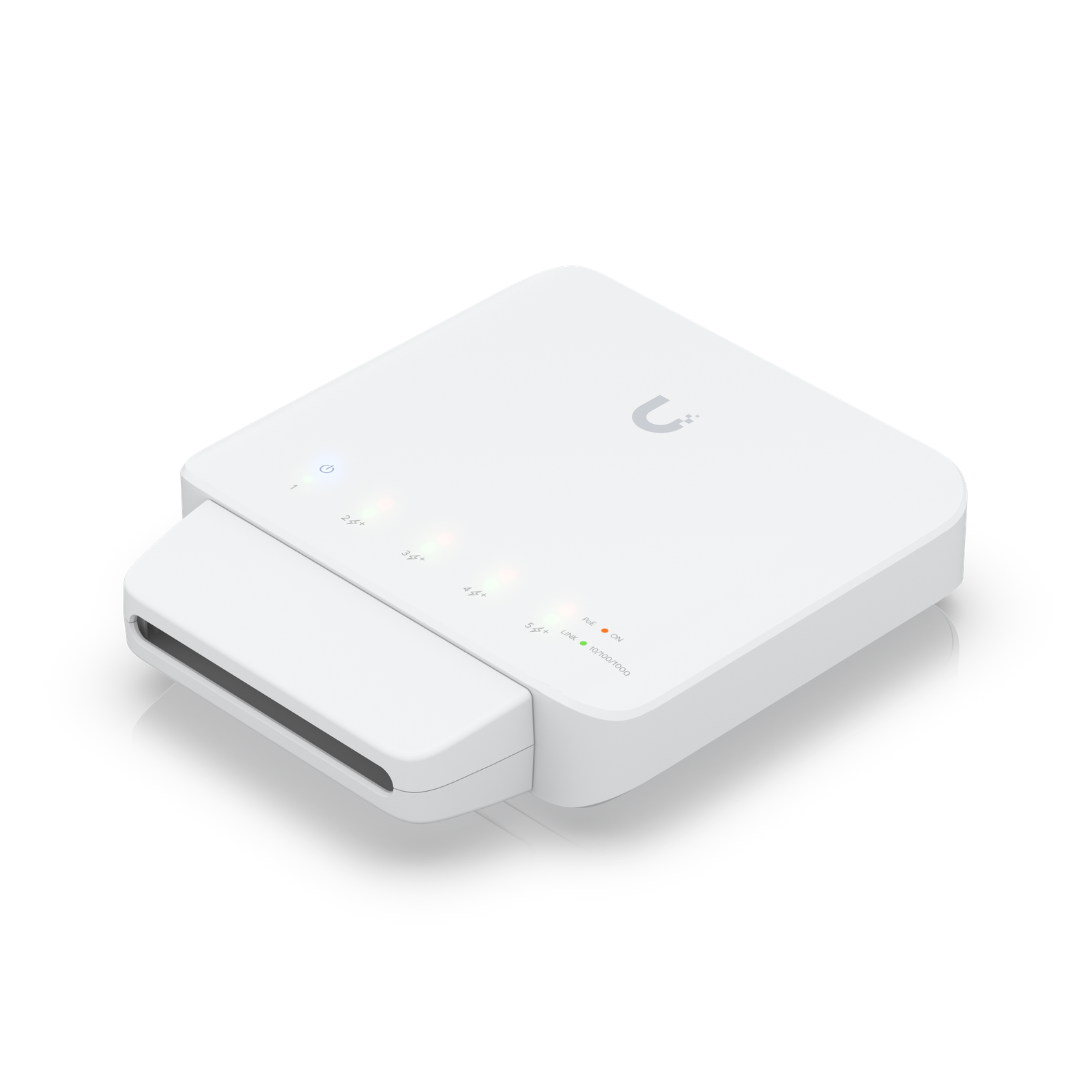
The UniFi Flex is one of the most useful specialty switches Ubiquiti makes.
Affiliate disclosure: Product links are affiliate links. If you buy through them, I may earn a commission at no extra cost to you.
The UniFi Flex is one of the most useful specialty switches Ubiquiti makes. It is built for awkward places where a normal switch does not belong, and that alone makes it incredibly easy to recommend for the right job.
I recommend the Ubiquiti Flex for its great for outdoor and hard-to-reach edge deployments, can power downstream devices from a single upstream feed. Its five-port design, outdoor-friendly deployment options, and ability to pass PoE out to downstream devices make it far more versatile than the Flex Mini. It is especially attractive for cameras, out…
For general desktop use, the Flex Mini is cheaper and more sensible. But for remote cameras, outdoor installs, or other creative edge placements, the Flex is absolutely worth the extra money. It is less a bargain switch and more a problem-solver.
Performance is basic gigabit switching, which is perfectly fine for the kinds of edge devices it typically serves. The bigger practical question is power budget, because the available PoE output depends on how the switch itself is powered. Once that is understood, it is a very dependable little tool.
Physical deployment is the entire point of this switch, and it does that job well. Wall and pole mounting are far more natural here than on most small switches. Setup in UniFi is easy, but you should plan the upstream power source carefully so you are not surprised by the downstream budget.
For general desktop use, the Flex Mini is cheaper and more sensible. But for remote cameras, outdoor installs, or other creative edge placements, the Flex is absolutely worth the extra money. It is less a bargain switch and more a problem-solver.
Watch setup walkthroughs, product context, and companion guidance.

Basic configuration of the UDM Pro. Set up VLANs, wifi networks, and basic security in only 10 minutes.
9:24 1.2K views

Explore the benefits of using the Ubiquiti Unifi Platform in your smart home network and take a look at the initial setup of a Dream Machine Pro.
20:28 2.2K views

A practical breakdown of whether the Dream Machine Pro makes sense as the core of a serious smart home network, including VLAN strategy and camera isolation.
18:42 857 views
Read deeper background, planning notes, and longer-form recommendations.

VLANs, wireless networks, and guest isolation on the UDM Pro — the practical configuration guide for a smart home-ready network.
Ethernet, Wi-Fi, Zigbee, Z-Wave, Thread, MoCA, Bluetooth — every connectivity option for smart home devices explained, with practical recommendations for each.
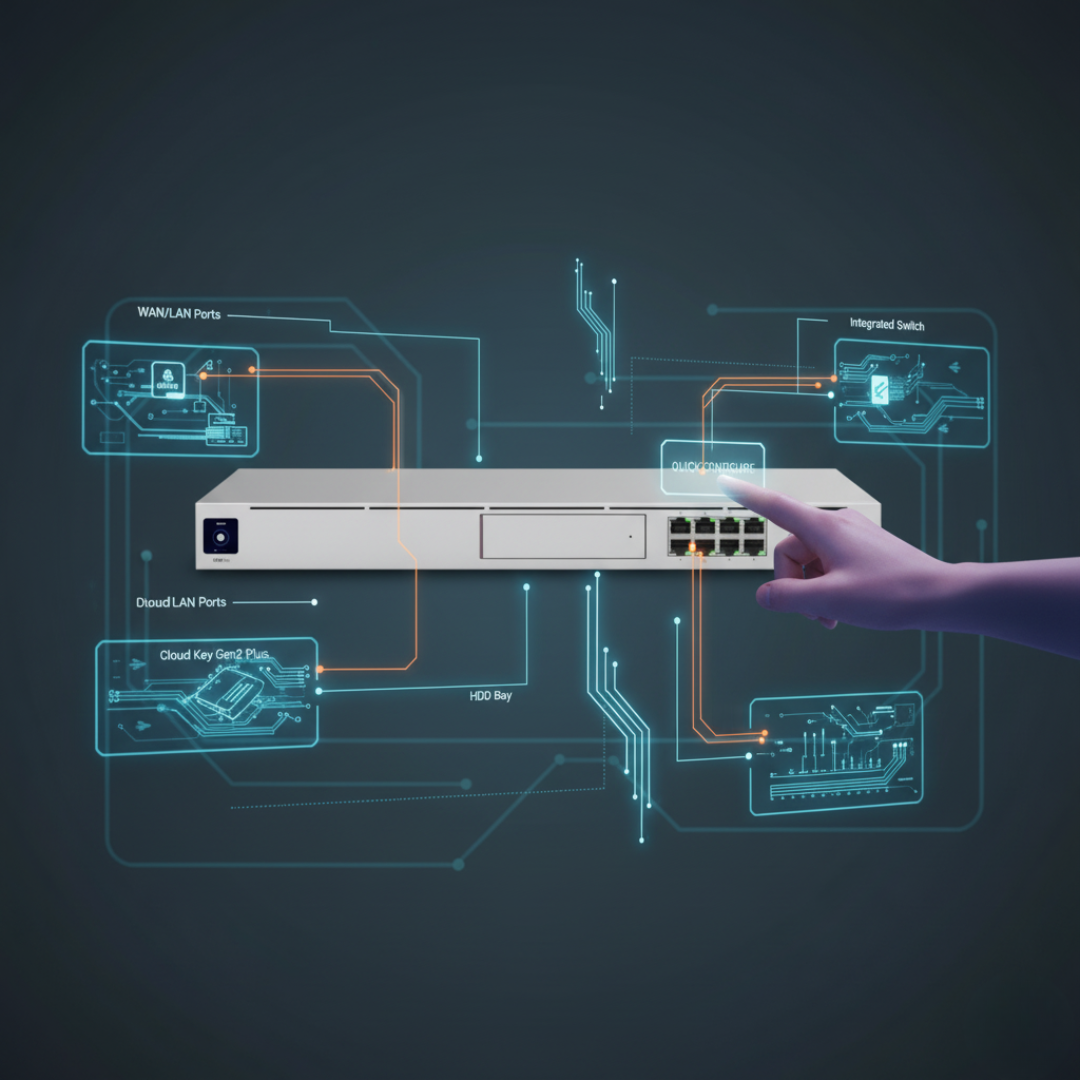
First-time setup of the Ubiquiti Dream Machine Pro — from unboxing to a connected, monitored network with the full Ubiquiti control plane.