This article covers the same ground as the video below — G6 Instant hardware specs, image quality, AI features, installation nuances, and a direct comparison to the G6 Bullet. Watch for the live demo footage; read for the reference.
Hardware overview
The G6 Instant is a compact Wi-Fi camera that runs on the UniFi Protect platform. It's the successor to the G4 Instant with meaningfully updated specs: 4K 8-megapixel resolution at up to 30 fps, a 1/1.8-inch sensor, HDR, IR night vision out to about 20 feet, two-way audio, IPX5 weather resistance, IK04 tamper resistance, and a microSD card slot for direct recording.
The physical size is small — approximately 3 × 2 × 2 inches, under half a pound. It ships with a small desk foot, a wall mount, and an adhesive pad (primarily for stability, not as the primary mounting method). The camera angle adjusts at the mount by loosening the base and repositioning.
The power problem
The G6 Instant is powered via USB-C with a cable that's about 6.5 feet long. That means it needs to be installed within reach of an outlet — which isn't always practical for the locations where you actually want a camera. A lot of people work around this with PoE-to-USB-C adapters, and that's a reasonable solution, but it does undercut the whole premise of a Wi-Fi-only camera. If you're already running a PoE cable, the wired G6 Bullet becomes the more sensible choice for roughly the same price.
The weather and impact ratings allow outdoor installation, but with caveats. Extreme heat, heavy rain, hail, and prolonged direct sunlight will cause hardware to fail eventually — these cameras are no different. If they're going outside, position them under some kind of shelter like an overhang or awning rather than in completely open areas.
Setup and adoption
Like most Ubiquiti devices, setup is straightforward. From power-on, adoption in UniFi Protect took under a minute — the main delay was a firmware update. One important rule: always test a camera before mounting it. A failed camera discovered at ground level is far less painful than one discovered at the top of a ladder.
Image quality
In normal daytime conditions, the 4K resolution and the larger image sensor (compared to the G4) produce noticeably cleaner video. Movement and fine details are easier to pick out. The improvement over typical instant-class cameras is real.
In low-light conditions, the built-in IR illumination reaches roughly 20 feet — adequate for indoor rooms, covered porches, and short driveways, but don't expect useful footage beyond that distance. One thing to watch: in dim but above-IR-threshold conditions, avoid pointing the camera at bright point sources like porch or garage lights. Those lights tend to wash out the surrounding area, and there's no manual white balance adjustment to compensate. The camera does have a solid set of image controls for most other adjustments.
AI detection and analytics
Where the G6 lineup genuinely stands out is Ubiquiti's multitops AI engine and its advanced analytics. This runs locally on the camera and provides smart detections for people, vehicles, and animals — plus more detailed recognition of faces and license plates. The two-way microphone enables audio event detection: barking dogs, glass breaking, smoke alarms.
These detections integrate with UniFi Protect's alarm manager, enabling event-based notifications. You can get alerted when the camera sees a recognized or unrecognized face, when a vehicle enters the frame, or when someone crosses a configured zone boundary. The possibilities for automation are considerable.
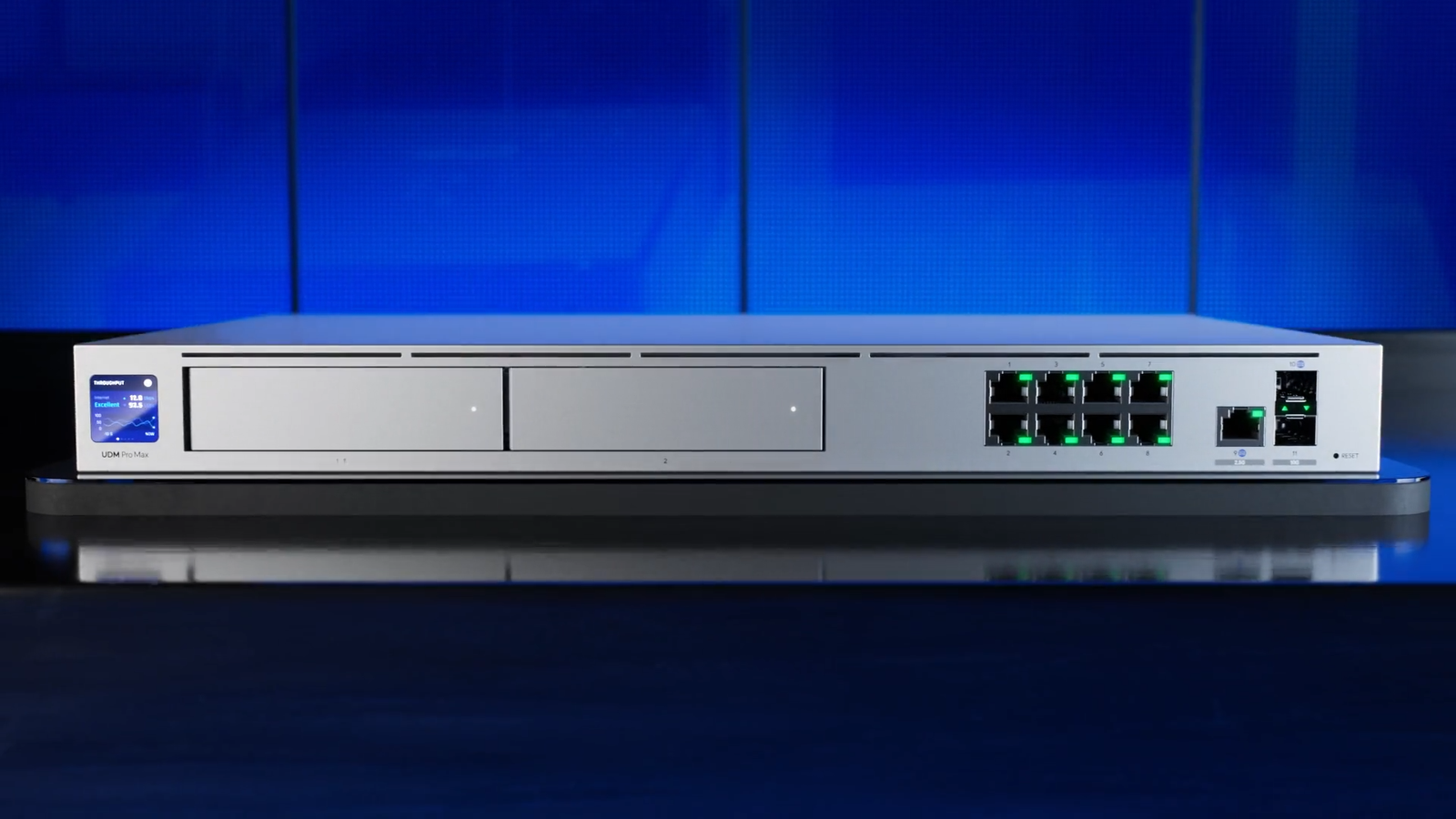
One important nuance: to get full detection functionality, you need storage for the video — either a local NVR, a console with an external drive (like the Dream Machine Pro), or in edge cases the camera's own microSD slot. Detections without storage mean you're getting alerts but no footage to review.
Verdict
The G6 Instant is a solid camera for its class, but the price — around $179 — is nearly double the G4 Instant. If you don't need 4K or advanced AI detection, the G4 is the better value. If you do want those features and PoE isn't an obstacle, spend the extra $20 and get the G6 Bullet instead. The wired option gives you better reliability, eliminates the power cable constraint, and runs on PoE so you don't need a nearby outlet.
The G6 Instant makes most sense in locations where running any cable — power or Ethernet — is genuinely impractical. For everything else, wired is better.