Overview
UniFi UPS 2U is the model I would choose for most rack deployments that need graceful shutdown support and just enough runtime to bridge short outages cleanly.
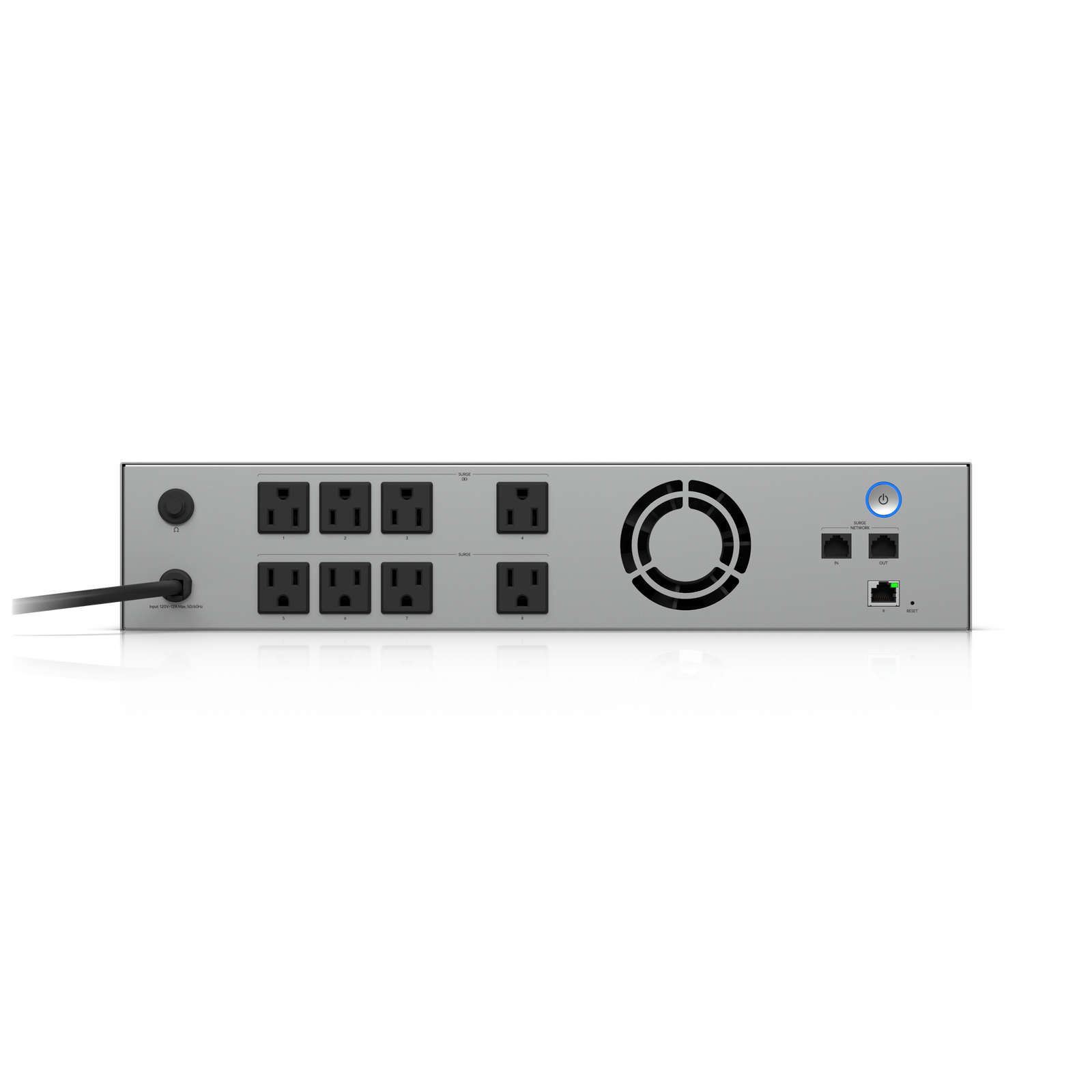
UniFi UPS 2U is the model I would choose for most rack deployments that need graceful shutdown support and just enough runtime to bridge short outages cleanly.
Affiliate disclosure: Product links are affiliate links. If you buy through them, I may earn a commission at no extra cost to you.
UniFi UPS 2U is the model I would choose for most rack deployments that need graceful shutdown support and just enough runtime to bridge short outages cleanly.
I recommend the Ubiquiti UniFi UPS 2U for its good fit for rack-based unifi systems, managed shutdown support for unvr and unas. Against the UPS Tower, the 2U version is the more natural fit in a rack and the more polished option for wiring alongside UNVR and UNAS gear. It is still not a long-runtime solution, but it is a much …
It is priced well for what it is: a managed UPS for UniFi environments rather than a generic battery box. If you need more runtime, you will outgrow it. If you need controlled shutdown and cleaner integration, it is a solid buy.
For brief outages and controlled shutdowns, it does exactly what you want. The published 216Wh capacity and half-load runtime are not meant to keep a whole office alive for an hour, but they are enough to protect storage appliances and prevent ugly hard power losses. That makes it far more about reliability than heroics.
Installation is easy for anyone already working in a rack. Mount it, connect the protected outlets, bring the management link online, and verify shutdown behavior. The main thing to plan around is outlet budgeting rather than software complexity.
It is priced well for what it is: a managed UPS for UniFi environments rather than a generic battery box. If you need more runtime, you will outgrow it. If you need controlled shutdown and cleaner integration, it is a solid buy.
Watch setup walkthroughs, product context, and companion guidance.

Explore the benefits of using the Ubiquiti Unifi Platform in your smart home network and take a look at the initial setup of a Dream Machine Pro.
20:28 2.2K views

Basic configuration of the UDM Pro. Set up VLANs, wifi networks, and basic security in only 10 minutes.
9:24 1.2K views

A practical breakdown of whether the Dream Machine Pro makes sense as the core of a serious smart home network, including VLAN strategy and camera isolation.
18:42 857 views
Read deeper background, planning notes, and longer-form recommendations.

VLANs, wireless networks, and guest isolation on the UDM Pro — the practical configuration guide for a smart home-ready network.

~45 terms covering automations, networking, protocols, devices, and Home Assistant — the reference guide to read any smart home article without getting lost.
Ethernet, Wi-Fi, Zigbee, Z-Wave, Thread, MoCA, Bluetooth — every connectivity option for smart home devices explained, with practical recommendations for each.