This article covers the same ground as the video below — wall-mounted dashboards, whole-home audio, local voice control, ESP32 microphones, and contextual notification design. This is Part 8 — the final part — of the Design the Ultimate Smart Home series.
The control principle: contextual and convenient
Every control method in a smart home — whether it's a dashboard, a voice command, a physical switch, or an NFC tag — should meet two requirements: it should be convenient to use, and it should be scoped to what's relevant at that location. A light switch in the kitchen should control kitchen lights. A voice command issued in the bedroom should assume you mean the bedroom lights unless you specify otherwise. Control that requires navigating through menus, remembering the names of devices in other rooms, or yelling across the house to be heard is control that won't get used.
With that principle established, the answer to which control method to use isn't one — it's all of them, each implemented with its context in mind.
Wall-mounted dashboards
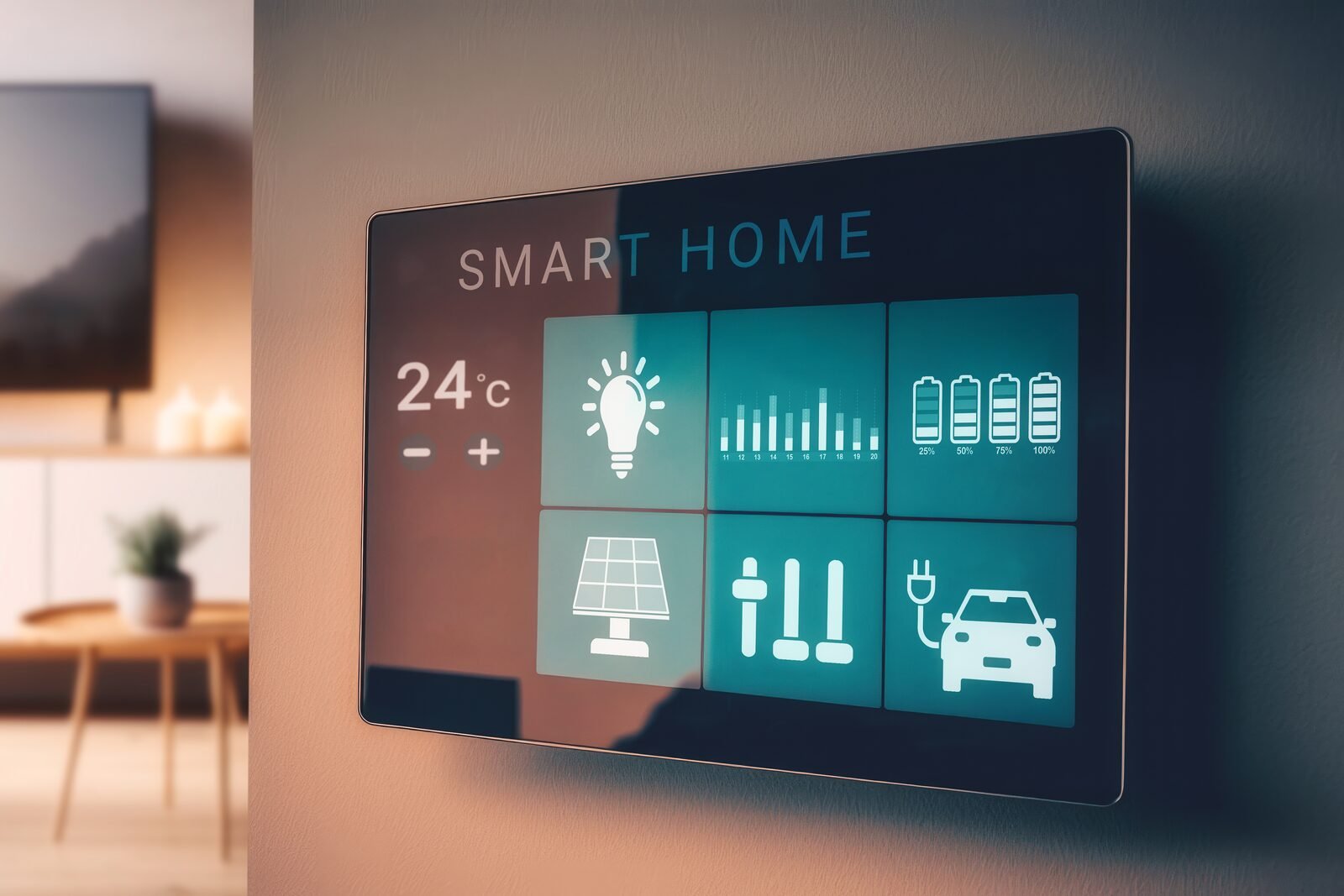
Tablets wall-mounted at key locations throughout the house provide at-a-glance status and contextual control at every main room and entry point. Each tablet is mounted in a recessed enclosure next to the primary light switch for that area, with a smart outlet behind it to manage charging.
The smart outlet enables battery management: the Home Assistant companion app on each tablet monitors the battery percentage and triggers the outlet to cut power when fully charged, then restore it when the charge drops. This extends battery life significantly compared to leaving the device plugged in constantly. Since tablets have internal batteries, they continue to operate normally when the outlet is off.
Each dashboard is custom to its location. Common elements — housewide notifications, weather — appear everywhere. But control elements are scoped to the devices and sensors in that specific room. A bedroom dashboard controls bedroom lights, shows bedroom temperature and air quality, and surfaces bedroom-relevant notifications. It doesn't show the garage door or the kitchen lights. Screen size scales to the room: 12-inch panels in the master bedroom, kitchen, and living room; 10-inch in other bedrooms; 7- or 8-inch in bathrooms and laundry.
Whole-home audio and voice control
Home Assistant supports local voice control and can connect to multiple AI agents and language models. The goal is a voice assistant that runs entirely on the local network — no cloud dependency, no data leaving the house. The challenge is getting that assistant to hear you from anywhere in the home.
The solution is whole-home audio with a speaker in every room, including bathrooms. Sonos Era 100 speakers wall-mount in corners and provide room-filling sound for both music and Home Assistant text-to-speech output. These speakers can receive TTS messages individually, in groups, or housewide — dinner's ready plays in the kitchen and living room, not the bedroom where someone is sleeping. Presence sensor data can make this even smarter: announcements only play in rooms where someone is detected.
For microphones, ATOM Echo devices — compact ESP32-based smart speakers with built-in microphones — placed strategically in each room provide voice capture. The microphone quality isn't audiophile-grade, but with noise suppression and automatic gain control enabled in the Home Assistant voice assistant integration, they hear commands reliably in most rooms. Placement matters: keep them away from HVAC vents and other noise sources. The speaker output plays back on the Sonos system, so the ATOM Echo handles listening while Sonos handles speaking.
Music follows you
With the Sonos integration in Home Assistant combined with presence sensor data, music can transfer between rooms automatically as you move through the house. The integration detects which room you're in via presence sensors, and the automation switches audio output from speaker to speaker as you go. No manual control required — the music just follows.
Contextual and subtle notifications
Not every notification needs to be announced. Color changes in smart lights can communicate status subtly — a living room light shifting briefly to a different hue when someone's at the front door is informative without being disruptive. LG TVs with the Home Assistant integration can display pop-up notifications directly on-screen. These approaches surface information without interrupting what everyone is doing.
The inverse also matters: the ability to suppress notifications when you don't want them. Recording a video, hosting a meeting, or simply not wanting to be interrupted should be addressable without disabling the whole system. A Home Assistant input boolean for "do not disturb" — scoped to a specific room or the whole house — lets automations check whether to surface a notification before triggering it. Context works in both directions.