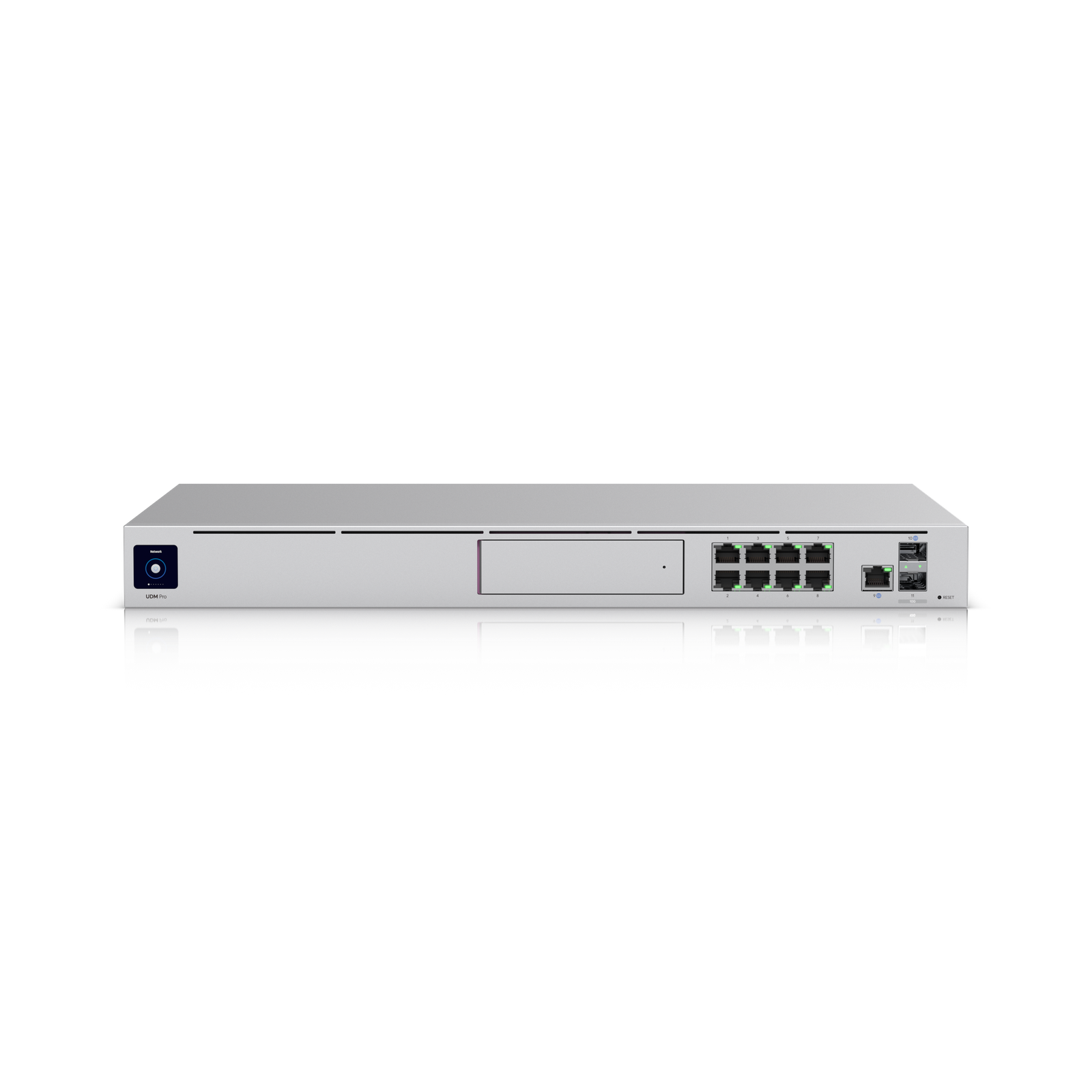
Overview
The UDM Pro combines a network gateway, the UniFi controller software, and a camera NVR into a single 1U rack unit. For someone building toward a proper rack setup, that matters. It removes the need for a standalone CloudKey and a separate recorder box, and everything runs through one interface.
It doesn't include built-in WiFi, so you'll need access points. For most camera installs you'll also want a PoE switch to power them. Neither is a surprise if you plan ahead, but they're worth knowing before you order.
Why I Recommend It
Most consumer routers treat VLANs as a checkbox feature. It's technically there, but the way it works in practice is clunky and the documentation is thin. The UDM Pro was built for proper traffic separation from the start. Isolating smart home devices so a compromised bulb or lock can't reach your computers or storage is a ten-minute job here, not a weekend project involving three Reddit threads.
If cameras are already on the list, the built-in NVR changes things. A gaming router setup almost always ends up with a separate recorder sitting on a shelf somewhere. The UDM Pro handles that internally, with camera management in the same interface as the rest of the network. Less hardware to maintain, fewer things to update separately.
Performance & Reliability
The UDM Pro handles multi-gigabit routing without issue, though most home connections won't push it anywhere near its limits. What you'll notice more coming from consumer gear is the predictability. Devices don't randomly drop. When something goes wrong, the event logs show you what happened rather than leaving you to restart things and hope for the best. The network stops being something you troubleshoot and starts being something you just use.
Ubiquiti has shipped updates that caused short-term headaches over the years. Worth acknowledging. The hardware itself has been consistently reliable across the installs I've seen.
That said, treat the update process like you would any production system. Turn off automatic updates. Pick a cadence, review the release notes, and make sure you have a working backup before you apply anything. Early access features are worth leaving alone until they've had time to stabilize.
Setup & Installation
Someone comfortable with basic networking can get through the initial setup in under half an hour. The wizard is clear and the interface is well-organized once you're past the first login. The part that takes longer is deciding what you actually want before you start. How many networks do you need, which devices go where, what should be able to reach what.
Run the first configuration for a week or two before treating it as final. The traffic data you collect in that time will show you things your planning didn't catch, and it's much easier to adjust once you can see real usage.
Value for the Money
At $379, it's a serious purchase. A standalone UniFi gateway, a CloudKey Gen2 Plus, and a separate NVR would cost more and leave you with more hardware to manage. The UDM Pro rolls all three into one box. For someone running cameras, VLANs, and a full UniFi setup, that's worth it.
If you have a small space, no cameras, and a couple dozen devices at most, it's more than you need. The price makes sense when you're actually using what it offers.
Technical Specs
Connectivity
Ethernet
SFP+
UniFi Protect
Use Case
Advanced builders, cameras, VLAN segmentation
Best for
Highlights
10G uplink options
VLAN isolation
Built-in NVR