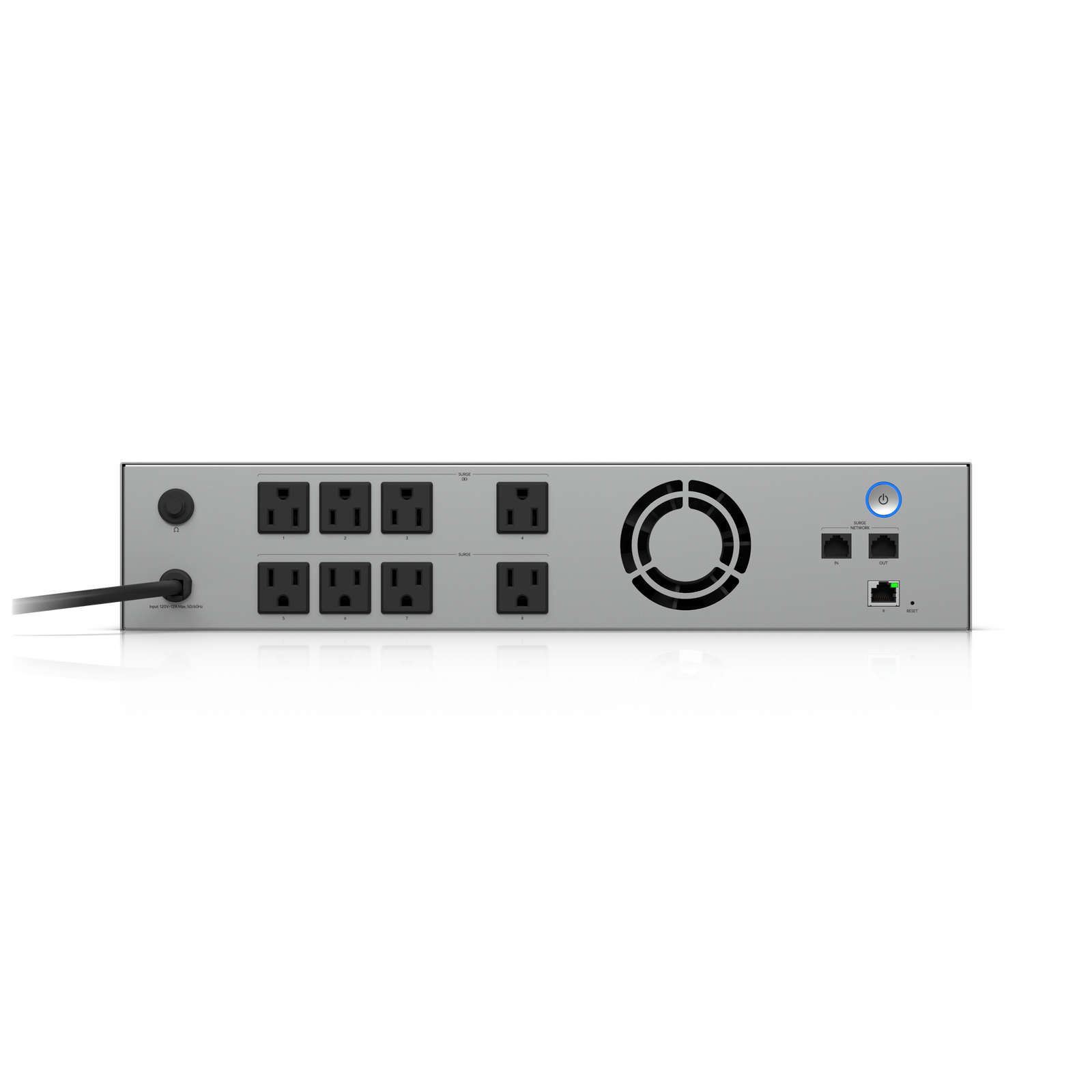
Overview
The UniFi UPS 2U is a rack-mounted uninterruptible power supply that integrates with UniFi OS to report battery status, runtime estimates, and to trigger graceful shutdown of connected devices when power fails and battery is running low.
At 2U it fits standard racks and provides enough capacity to run a typical home or small office network stack for twenty to forty minutes through a power outage, enough time for the grid to recover or for connected devices to shut down safely.
Why I Recommend It
Generic UPS units report battery status through a USB cable to a single connected computer running software. The UniFi UPS integrates directly with UniFi OS so battery and load information appears in the same interface as everything else in the network. Configured graceful shutdowns happen automatically without a separate software setup.
A hard power cut to a NAS, NVR, or switch can corrupt drives and cause data loss. The UPS gives enough runtime for those devices to finish writing and shut down cleanly, which is the primary protection it provides.
Performance & Reliability
Runtime depends heavily on load. A typical stack of a UDM Pro, a 24-port switch, and two or three access points might run twenty to thirty minutes. Heavier loads with more PoE devices shorten that. The UniFi interface shows real-time load and calculated runtime so there are no surprises.
UPS batteries degrade over three to five years and need replacement. The UniFi UPS reports battery health in the interface, so you get a warning before the battery fails rather than discovering it when a power event occurs.
The UPS itself needs to be on clean power. Connecting a UPS to a circuit with frequent small voltage fluctuations accelerates battery wear.
Setup & Installation
Rack-mount in 2U, connect the power output to the devices it protects, connect the management network port, and adopt in UniFi OS. Configure shutdown thresholds and notifications in the network controller settings.
Value for the Money
Priced competitively against APC Smart-UPS units of similar capacity. The native UniFi integration removes the need for NUT or other UPS monitoring software, which simplifies the stack meaningfully for UniFi-centric installs.
The 2U size makes it practical for home racks. A 3U or 4U tower UPS physically doesn't fit inside most home rack enclosures, so the 2U form factor is a genuine practical advantage.
Technical Specs
Connectivity
Ethernet, UniFi
Protocols
Use Case
IT-forward smart homes that need enterprise-grade network infrastructure.
Best for