Overview
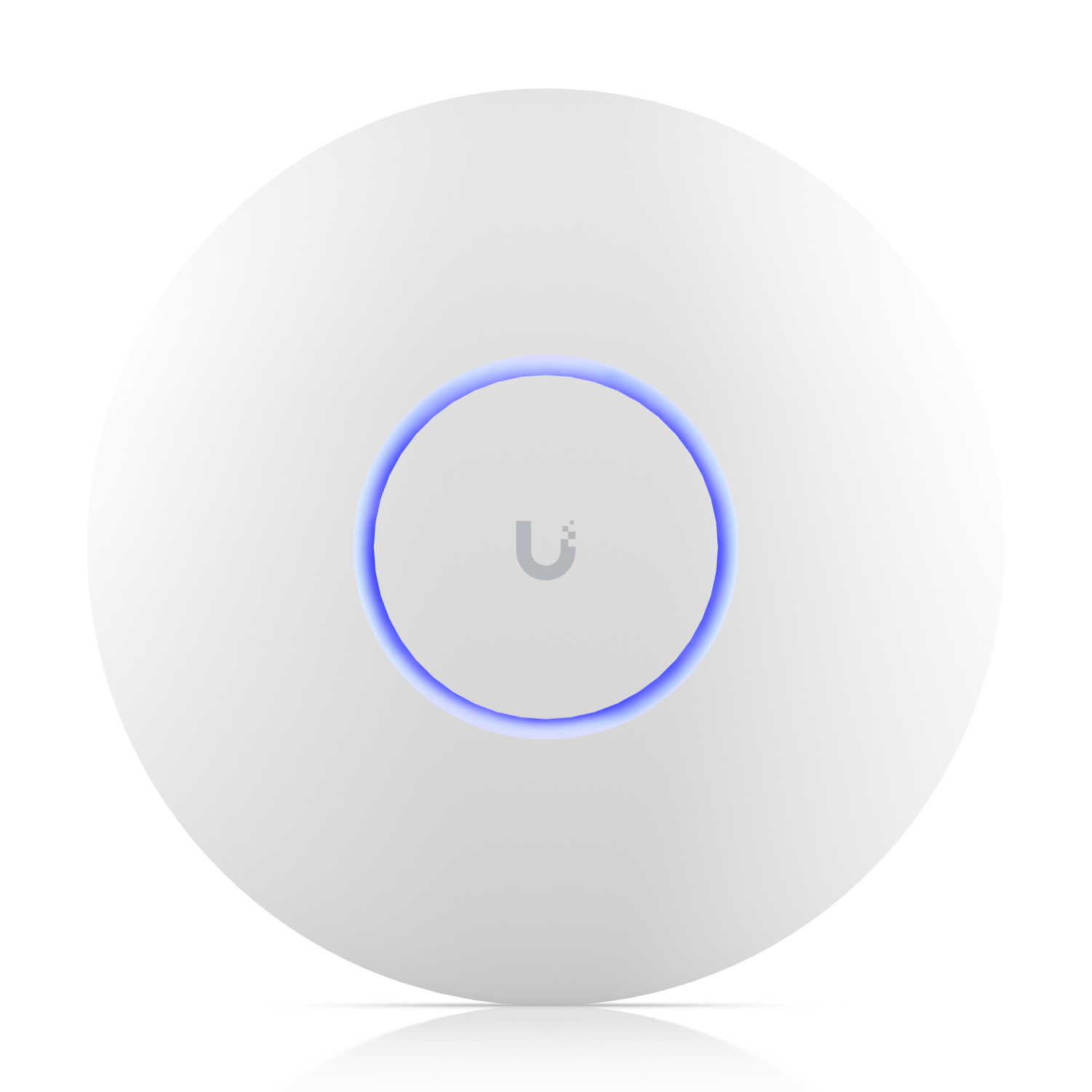
The U7 Pro Max is Ubiquiti's flagship WiFi 7 ceiling access point, offering tri-band operation including a dedicated 6 GHz band alongside 5 GHz and 2.4 GHz. It's designed for high-density environments where many clients need simultaneous high-throughput connections.
The 6 GHz band is key. It's less congested than 5 GHz because fewer devices currently support it, which means clients that do support 6 GHz get cleaner spectrum and higher practical throughput.
Why I Recommend It
The U7 Pro, the next model down, handles most deployments very well. The Pro Max steps up for scenarios where more than thirty or forty clients are connecting simultaneously, or where the environment has significant RF interference on 2.4 and 5 GHz. The additional radio count and power give it more capacity headroom.
Unlike the U7 Pro which covers typical home and small office use cases, the Pro Max is the right choice for conference rooms, co-working spaces, dense apartment environments, and anywhere clients are connecting rapidly and in volume.
Performance & Reliability
Multi-link operation in WiFi 7 allows clients to send and receive across multiple bands simultaneously, which improves throughput in environments where any single band is partially congested. Real-world performance for a dense client load is noticeably better than WiFi 6E at equivalent client counts.
Ceiling-mounted and PoE-powered. No moving parts, no battery. The reliability profile for UniFi APs in general is strong in fixed-mount permanent installations.
High-density AP deployments benefit from co-channel interference planning. The 6 GHz band gives the Pro Max more clean spectrum to work with, but placement relative to other APs still matters for optimal performance.
Setup & Installation
Mount to a ceiling electrical box, run Cat6 from a PoE++ capable switch port, adopt in UniFi Network. The U7 Pro Max requires PoE++ power, so verify the switch port budget before finalizing the cable run.
Value for the Money
Premium price for premium capability. For environments that don't push past 30 clients or don't have significant RF interference, the U7 Pro delivers equivalent real-world performance at lower cost. The Pro Max's value is unlocked in genuinely dense environments.
One U7 Pro Max in a problem area often solves a capacity issue more effectively than adding a second U7 Pro. In a crowded conference room or commercial space, that consolidation makes physical and economic sense.
Technical Specs
Connectivity
Wi-Fi, Ethernet, UniFi
Protocols
Use Case
UniFi networks that need reliable wireless access points or building bridges.
Best for