← Back to Products
Ubiquiti Redundant Power
Network infrastructure

Ubiquiti Redundant Power

★ 4.5NetworkingPrice tier $$$

Redundant Power is easy to recommend for rack owners who hate single points of failure more than they hate spending extra on resilience.

Affiliate disclosure: Product links may be affiliate links. If you buy through them, I may earn a commission at no extra cost to you.

Overview

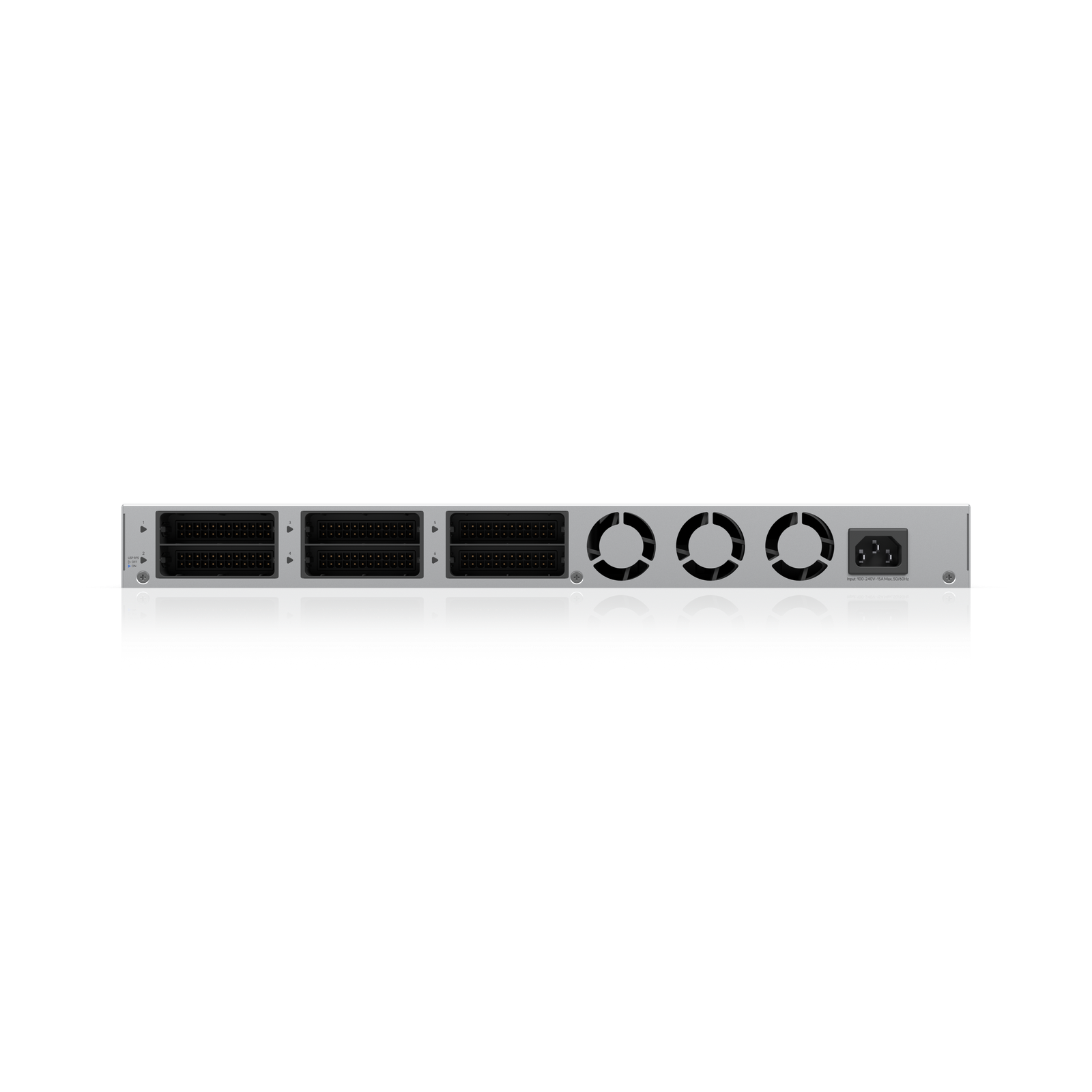
The Redundant Power module is a secondary PSU that slots into supported UniFi switches to provide power supply redundancy. If the primary power supply fails, the redundant module takes over without any interruption to the switch or connected devices.

It's a 1+1 redundancy solution at the power supply level, which is a different protection than UPS runtime. This handles PSU hardware failure. A UPS handles grid outages. Both together cover most power failure scenarios.


Why I Recommend It

Network switches with only a single PSU have a single hardware failure point that takes the entire network down if that PSU dies. In any environment where the network needs to stay up continuously, PSU redundancy is standard practice.

Adding a UPS protects against power outages but not against a failed PSU while grid power is present. A PSU can fail at any time regardless of whether the grid is healthy. Redundant Power addresses that specific failure mode.

Performance & Reliability

PSU failover is hardware-level and instantaneous. Connected devices see no interruption whatsoever. The module operates in hot-standby, carrying load monitoring duty alongside the primary PSU.

The module adds hardware that could itself fail. The probability of both PSUs failing simultaneously is very low, but it's worth understanding that redundancy doesn't eliminate failure risk entirely.

Monitor the redundant module status in UniFi OS. A failed redundant PSU leaves you running on single-PSU mode without realizing it if you're not checking.

Setup & Installation

Slide the module into the supported switch's secondary PSU slot. The switch recognizes it automatically and begins reporting both PSUs in the UniFi interface. No configuration beyond physical installation is required.

Value for the Money

For any installation where switch downtime has meaningful business cost, PSU redundancy is worth the cost of the module. For a home network that can tolerate being down for an hour while a replacement PSU arrives, it's optional.

Only compatible with specific supported UniFi switch models. Verify compatibility before purchasing, as the module is not universal across the switch lineup.

Technical Specs

Core Details
Networking Category
Connectivity
Ethernet, UniFi Protocols
Use Case
IT-forward smart homes that need enterprise-grade network infrastructure. Best for
Technical Specs
$399 MSRP

Related Videos

Watch setup walkthroughs, product context, and companion guidance.

Browse videos
Supercharge your home network with the UDM Pro
Networking

Supercharge your home network with the UDM Pro

Explore the benefits of using the Ubiquiti Unifi Platform in your smart home network and take a look at the initial setup of a Dream Machine Pro.

20:28 2.2K views

Configure the Ubiquiti Dream Machine Pro in 10 minutes!
Networking

Configure the Ubiquiti Dream Machine Pro in 10 minutes!

Basic configuration of the UDM Pro. Set up VLANs, wifi networks, and basic security in only 10 minutes.

9:24 1.2K views

Smart Home Networking
Networking

Smart Home Networking

Learn the basics of smart home networking and why the network is a critical part of your smart home.

14:08 695 views