← Back to Products
Ubiquiti PoE Audio Port
Network infrastructure

Ubiquiti PoE Audio Port

★ 4.5AudioPrice tier $$$

PoE Audio Port is easy to like because it solves a common retrofit problem: how to bring modern streaming and centralized control to an audio zone that already…

Affiliate disclosure: Product links may be affiliate links. If you buy through them, I may earn a commission at no extra cost to you.

Overview

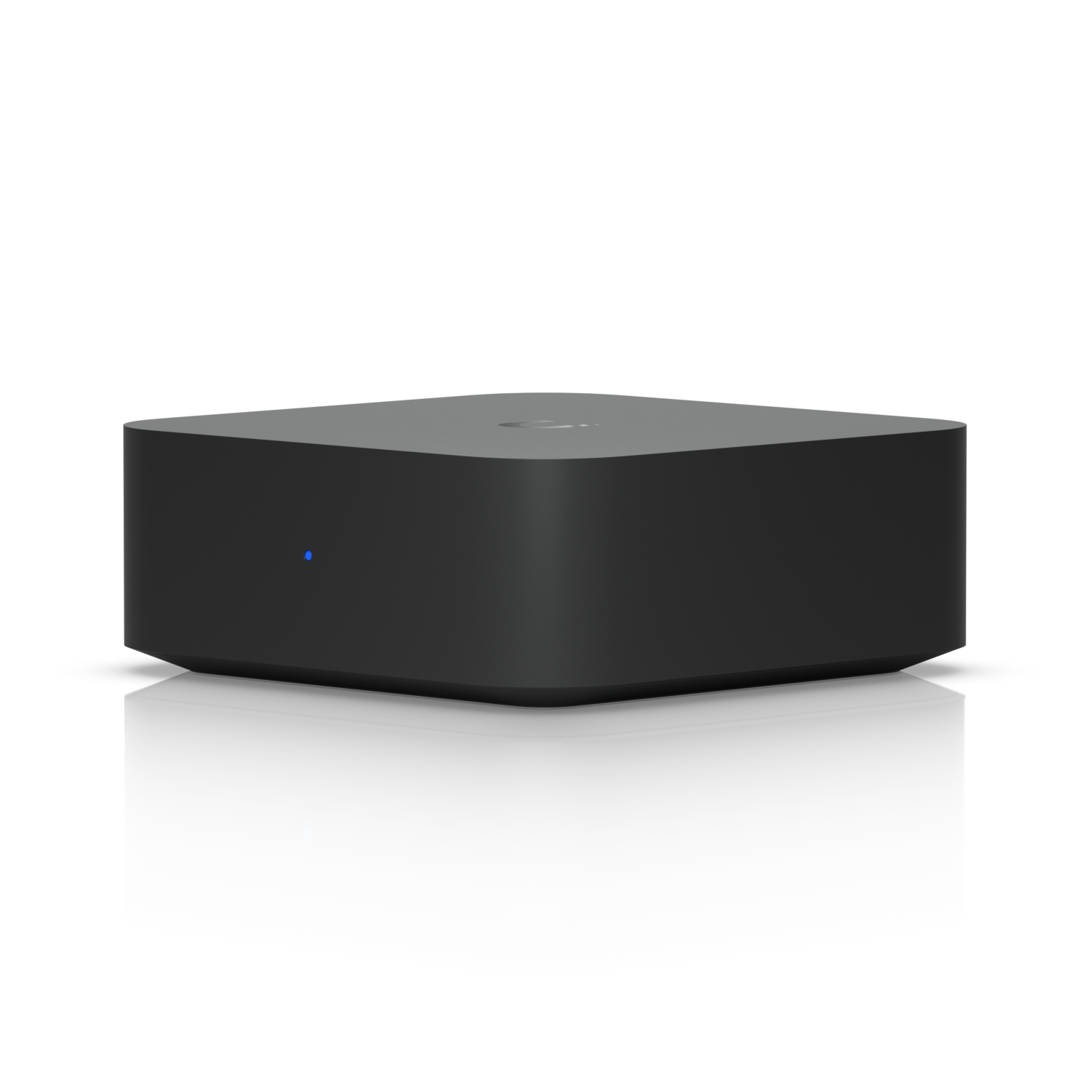
The PoE Audio Port is a single-zone audio streaming endpoint that runs on PoE and outputs audio to a connected amplifier or powered speakers. It receives audio over the network and provides a line-level output, making it the far-end device in a distributed UniFi audio setup.

Each PoE Audio Port covers one zone. Multiple units across a building give you room-by-room audio control without running audio cabling back to a central amplifier.


Why I Recommend It

Traditional distributed audio requires long speaker wire runs back to a central amplifier, which becomes impractical in larger buildings. The PoE Audio Port moves the amplifier connection to the room level, so only Cat6 needs to run through the building. Speaker wire stays short, local to the room.

Unlike Sonos speakers that include their own amplifier and are self-contained, this device is passive infrastructure that connects to any amplifier or powered speaker. That gives you more flexibility in choosing the speaker hardware for each zone.

Performance & Reliability

Line-level output quality is clean. The audio quality ceiling is determined by the amplifier or speakers it connects to rather than the PoE Audio Port itself. Network-delivered audio doesn't degrade over cable distance the way an analog audio signal would.

PoE-powered endpoint with no moving parts. Reliability is high as long as the network connection is stable. Audio interruptions typically trace back to network issues rather than device hardware failures.

UniFi's audio management features continue to develop. Some advanced zone management features available in the Power Amp integration are not as fully featured in single-endpoint deployments.

Setup & Installation

Connect Cat6 from PoE switch to the unit, connect line output to the local amplifier or powered speakers, adopt in UniFi OS, assign to audio zone. Physically smaller than the Power Amp, which makes it easier to locate near the speaker destination.

Value for the Money

For buildings where running speaker wire through walls is impractical, replacing that run with a Cat6 run to a PoE Audio Port and keeping the speaker wire short is a real installation advantage. Cat6 is easier to run than speaker wire and already present in most professional network installs.

Priced as a single-zone solution. Multiple zones require one unit each. Budget accordingly and compare against the Power Amp's four-zone capability for total cost in larger deployments.

Technical Specs

Core Details
Networking Category
Connectivity
Ethernet, UniFi Protocols
Use Case
IT-forward smart homes that need enterprise-grade network infrastructure. Best for
Technical Specs
$199 MSRP

Related Videos

Watch setup walkthroughs, product context, and companion guidance.

Browse videos
Configure the Ubiquiti Dream Machine Pro in 10 minutes!
Networking

Configure the Ubiquiti Dream Machine Pro in 10 minutes!

Basic configuration of the UDM Pro. Set up VLANs, wifi networks, and basic security in only 10 minutes.

9:24 1.2K views

Supercharge your home network with the UDM Pro
Networking

Supercharge your home network with the UDM Pro

Explore the benefits of using the Ubiquiti Unifi Platform in your smart home network and take a look at the initial setup of a Dream Machine Pro.

20:28 2.2K views

Choosing the Right Smart Home Hub
Control

Choosing the Right Smart Home Hub

Taking a look at several popular Smart Home Hubs and how to find the right one for you.

13:57 1.8K views