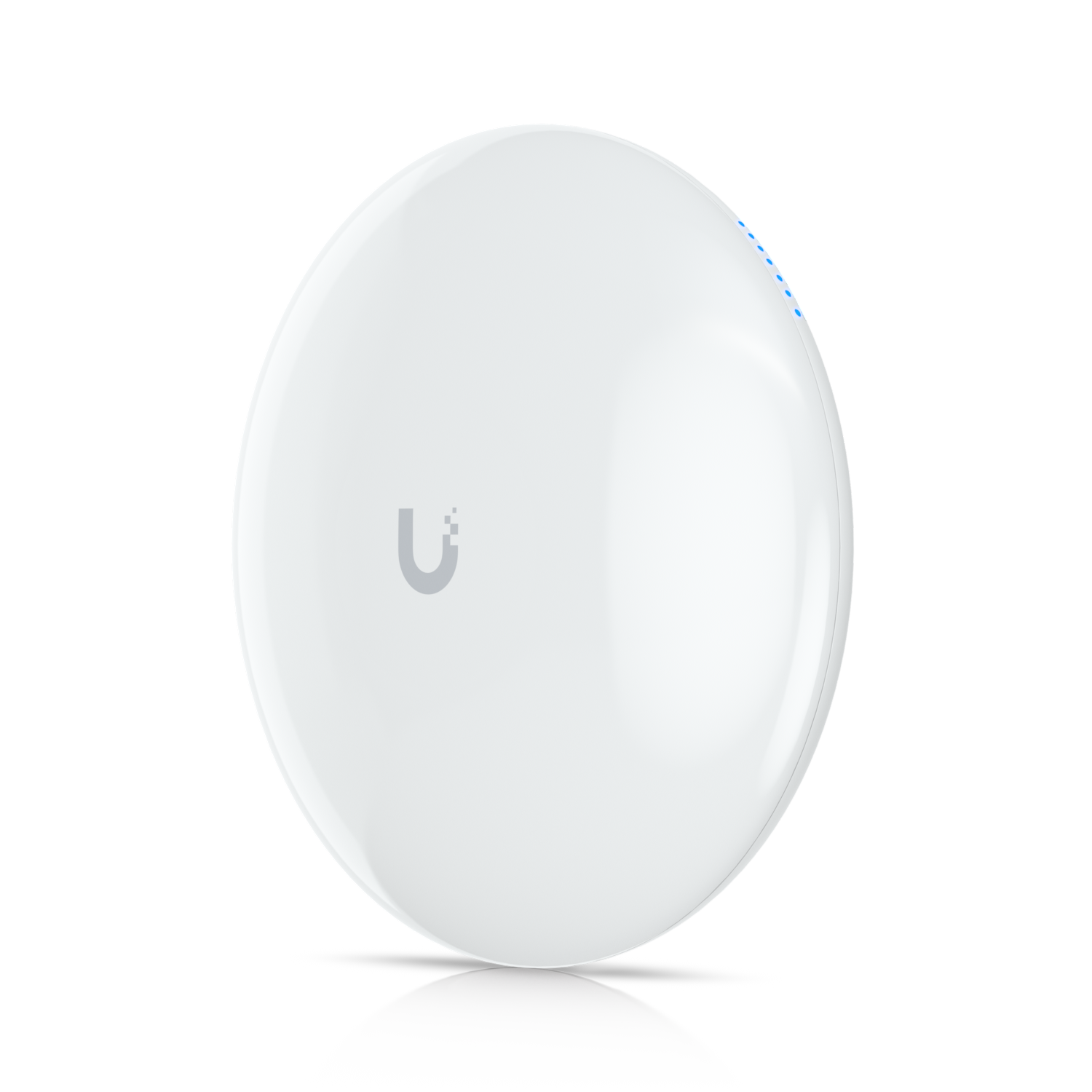
Overview
The Device Bridge Pro creates a point-to-point wireless link between two buildings or locations that can't be connected by a physical cable. It's not a WiFi access point and it doesn't serve clients. It's a dedicated high-throughput bridge that carries network traffic between two network segments across a gap.
The Pro version achieves longer distances and higher throughput than the standard Device Bridge, using directional antennas on both ends to focus the radio link.
Why I Recommend It
Running underground conduit between buildings is expensive, disruptive, and sometimes not possible due to driveways, sidewalks, or property lines. The Device Bridge Pro handles that span wirelessly at throughput levels that support cameras, access points, and wired devices on the far end.
Shared WiFi networks used as backhaul, including traditional mesh nodes or standard APs in bridge mode, are designed for client access rather than high-throughput point-to-point links. The Device Bridge Pro uses a dedicated point-to-point radio protocol that is more efficient and more reliable for this specific use case.
Performance & Reliability
Pro designation covers longer spans and higher throughput than the base model. Actual performance depends on distance, line-of-sight quality, and interference. Line-of-sight between units is required for rated performance. Vegetation, even sparse foliage, attenuates the signal measurably.
Dedicated point-to-point wireless links are more reliable than shared-medium WiFi for backhaul purposes because they have no competing client traffic. The bridge link's reliability is primarily a function of the RF path quality between the two units.
Weatherproof housing handles outdoor installation at both ends. The most common installation failure is misalignment between units after a physical disturbance like wind or a mounting surface shift. Verify alignment periodically for long spans.
Setup & Installation
Both units must be in line of sight. Mount one at each end, align facing each other, adopt both in UniFi Network, and configure the bridge pair. Physical alignment precision matters more for longer spans. A compass bearing and marked mounting helps get close before fine-tuning with the signal strength meter.
Value for the Money
Against the cost of trenching conduit and pulling fiber or Cat6 between two buildings, the Device Bridge Pro is typically far cheaper and faster to deploy. For spans up to several hundred feet where line-of-sight exists, it's the practical choice.
For spans under 50 feet with an accessible path underground or through a wall, a physical cable is more reliable and not much more expensive. The Device Bridge Pro earns its cost as the gap increases and the cable alternative becomes increasingly impractical.
Technical Specs
Connectivity
Ethernet, UniFi
Protocols
Use Case
UniFi networks that need reliable wireless access points or building bridges.
Best for